Sorting Data Points in Visuals
Some visuals allow you to sort data in ascending or descending order.
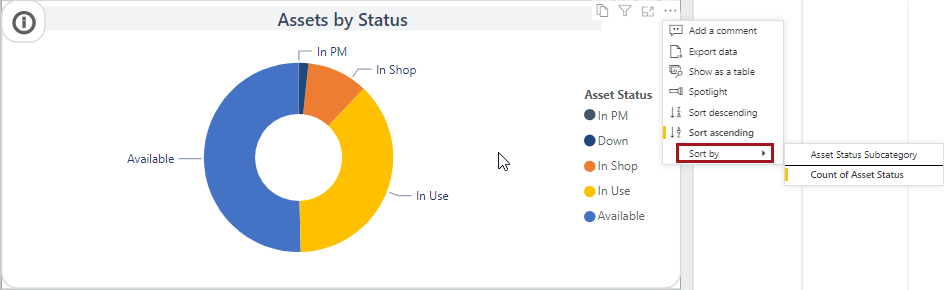
Select the visual and then More options (…).
- To sort the data points on the visual in descending order, select
Sort descending.
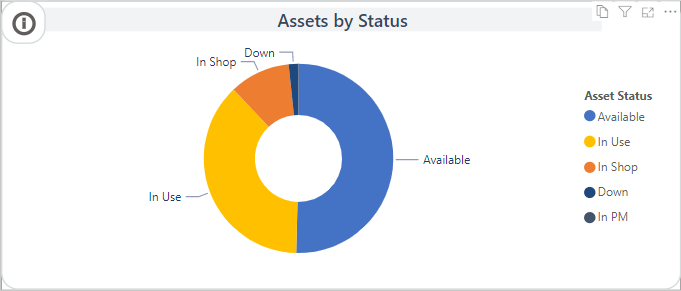
- To sort the data points on the visual in ascending order, select
Sort ascending.
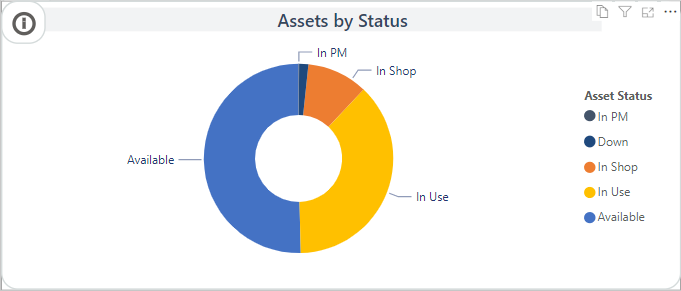
- To sort by a different field value, select Sort
by and then a field option. Fields used for values,
tooltips, or legends are available as sort by options.