
Defining Schedule Status Groups
You can define a maximum of 10 schedule status groups.
About this task
Procedure
- Click .
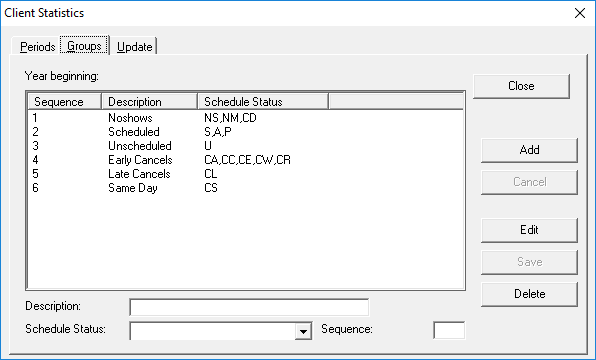
- Click the Groups tab.
-
Click Add.
The input fields at the bottom of the dialog box are enabled.
- Type a Description of the group.
- Click the Schedule Status codes that are included in the group.
- Optional:
In the Sequence field, type a number, which will determine the
order in which the group appears in the Statistics tab on Client
Registration.
For example, 1 places the group first.
- Click Save.
- Click Close.