
Changing Parameter Properties
Change specific report parameters as needed.
Procedure
- In Report Designer, click the report whose parameters should be changed.
-
On the toolbar, click the Edit button:

The Edit step appears.The Edit step is highlighted on the Navigation pane.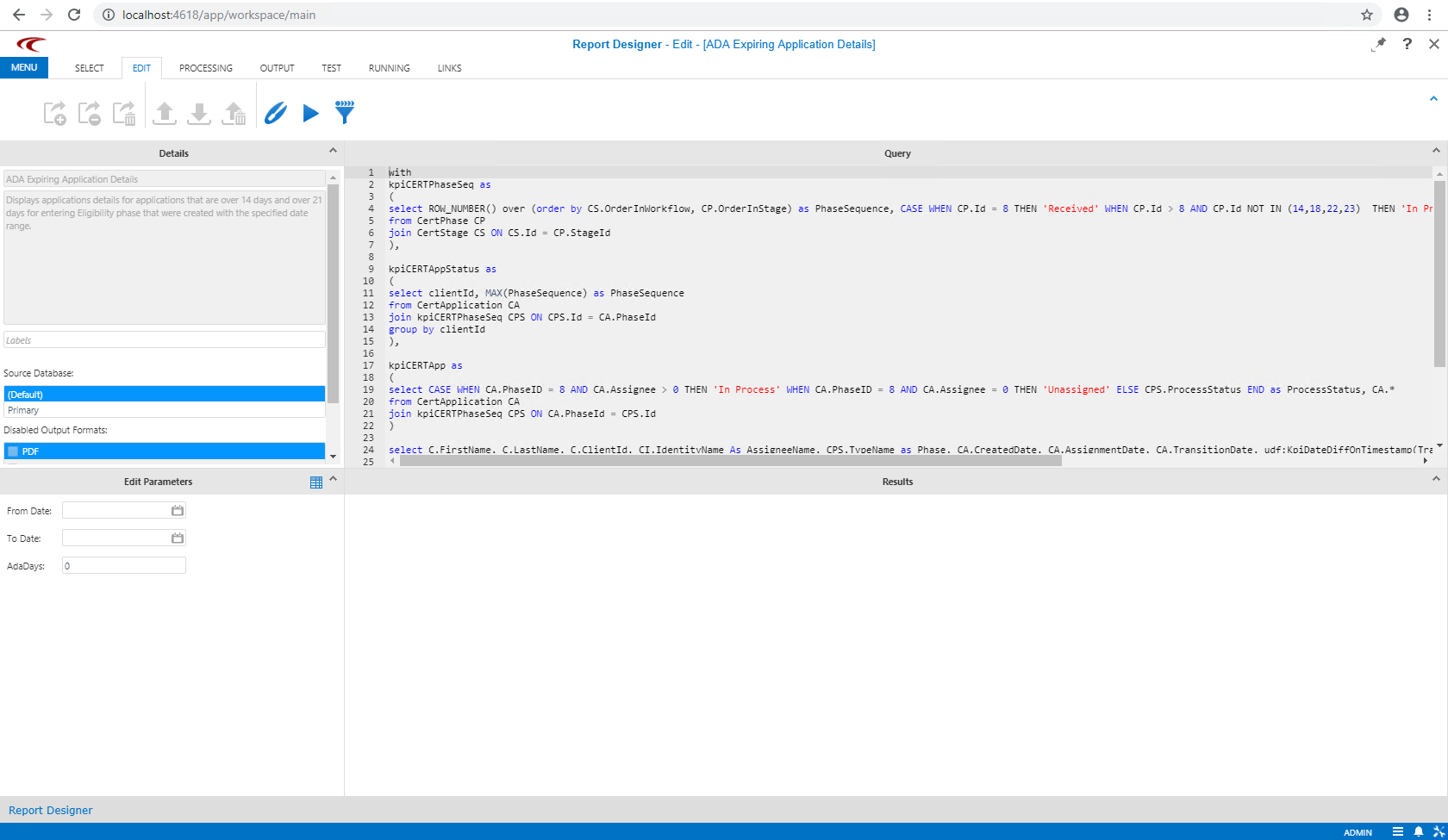
- In the Edit Parameters pane, click the parameter to modify.
- Make the needed changes.
-
On the toolbar, click the Save button:
