
Copying User-Defined Reports
Both user-defined and system reports can be copied and modified to create a new, customized report.
Before you begin
Procedure
- In the list of reports, select the report to copy.
-
On the screen toolbar, click the Copy button:

The Copy Report dialog box appears.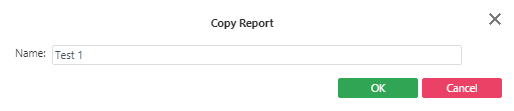
- In the Name field, type a name for the copy, and click OK.
- Modify the report as needed.
-
Click the Save button:
