
Editing User-Defined Reports
Only user-defined reports can be edited.
Before you begin
About this task
Procedure
-
In the list of reports, select the user-defined report to edit.
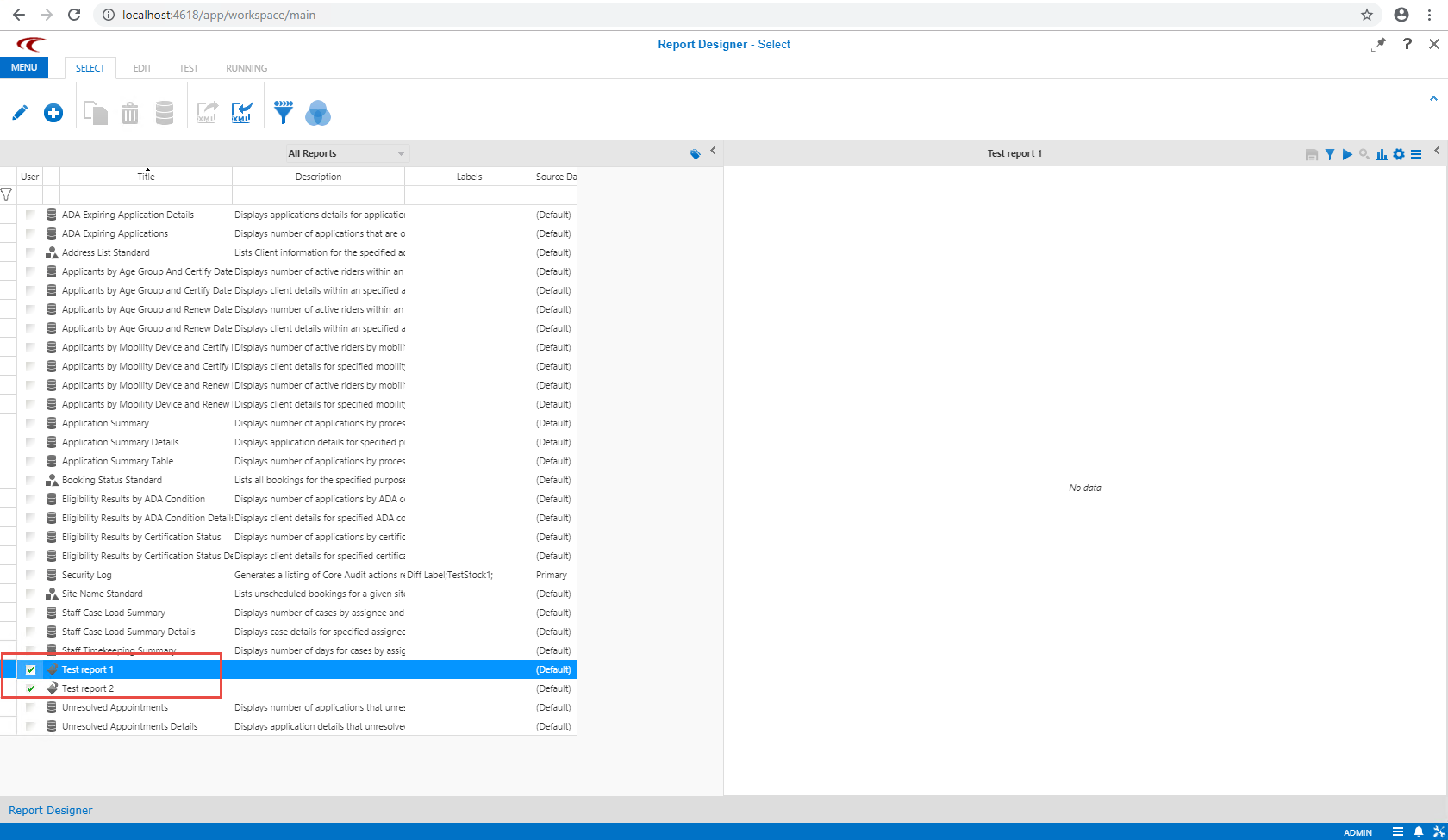
-
Click the Edit button:

- The Edit Parameters step appears.
-
Edit the report as needed, including the following:
- Name, description, and category.
- Parameter layout.
-
Click the Save button:
