
Adjusting Polygon Lines
Polygon lines can be adjusted as needed.
Before you begin
Procedure
- Place the mouse pointer over the line to be adjusted.
-
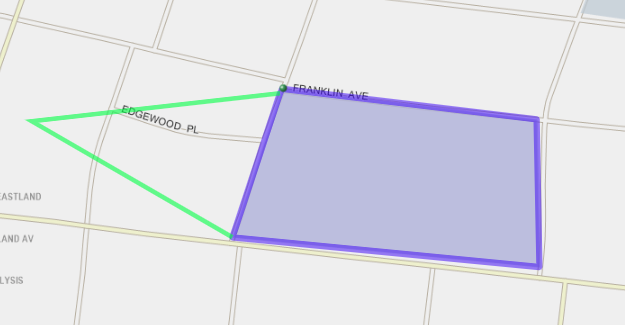
Click and drag to move the line.
A green line shows the new lines for the polygon.
-
Release the mouse button on the new location.
You cannot undo a moved line. If you move a line or its vertex to an incorrect point, readjust the polygon line.