
About Drawing Parts - Examples and Considerations
There are multiple ways to use parts when drawing polygons.
- Draw a large polygon that encompasses the entire service area.
This polygon can be used for rules that allow travel anywhere within the service area.
- Draw an island to remove a section from the polygon.
This represents an area where you cannot provide service.
- Draw smaller polygons within the large polygon to represent specific regions within the
service area.
Polygon parts need not be contiguous. You should use multiple parts in one polygon only if all parts are subject to the same rules. For example, a polygon with three parts must be linked to the same rules within the polygon.
Important Considerations for Drawing Polygons
When drawing polygons, you can start by drawing a large general shape. Then, zoom in and add vertices to draw around corners and angles. When you have drawn a closed polygon (that is, all the polygon vertices meet), it is advisable to save the polygon before drawing other parts or adjusting the polygon.
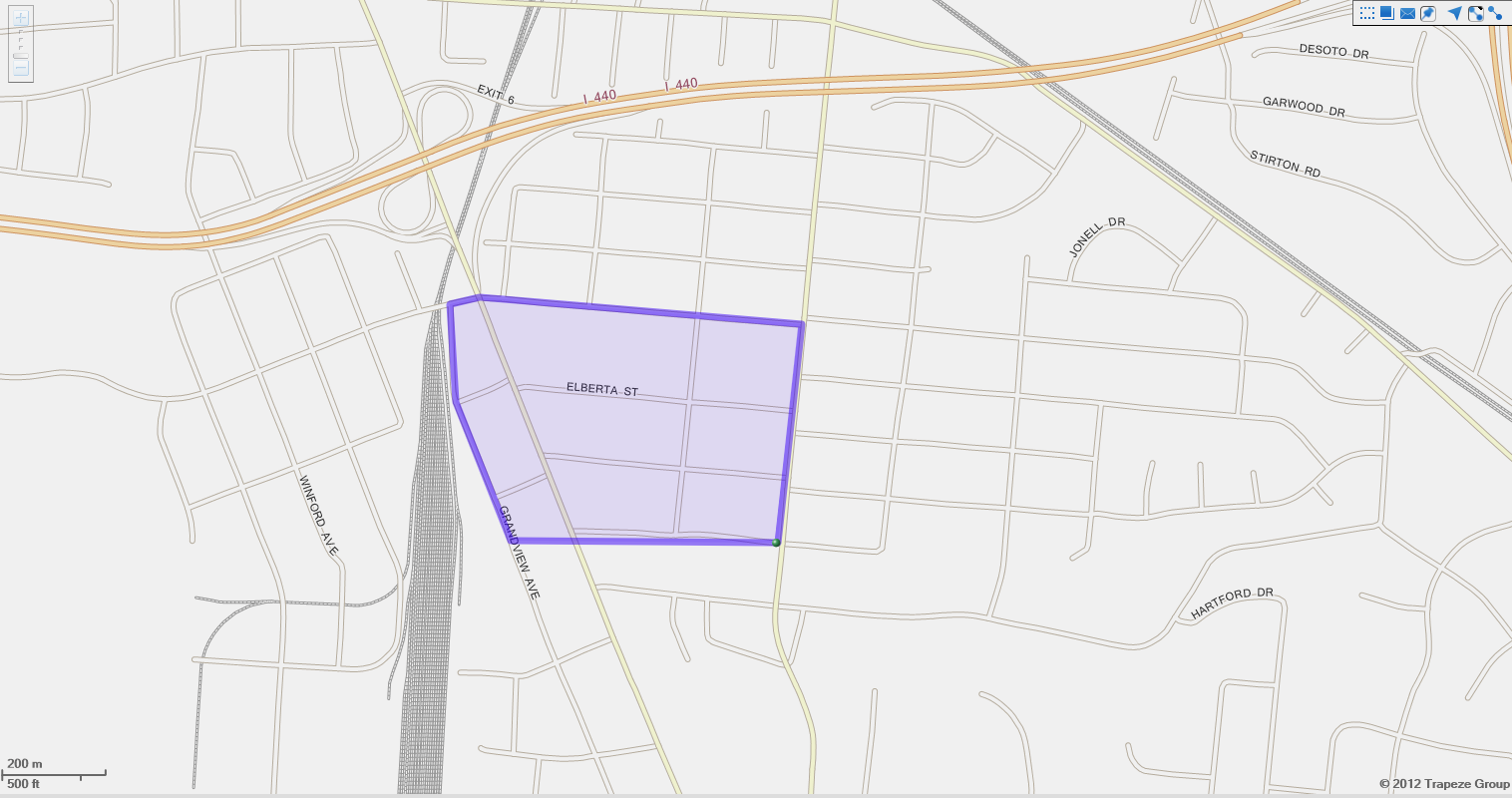
Overlapping polygons can cause problems with some rules. Turn on appropriate map layers to help you identify locations and borders of existing polygons. In addition, make sure that polygons have styles and colors that help you distinguish them on the map.