
Searching for Polygons
Search for polygons using the name filter field.
Procedure
- Click the Menu tab.
-
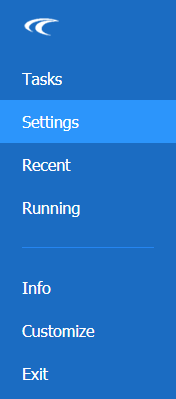
In the Main Menu, click Settings in the navigation pane.
The Settings screen is open.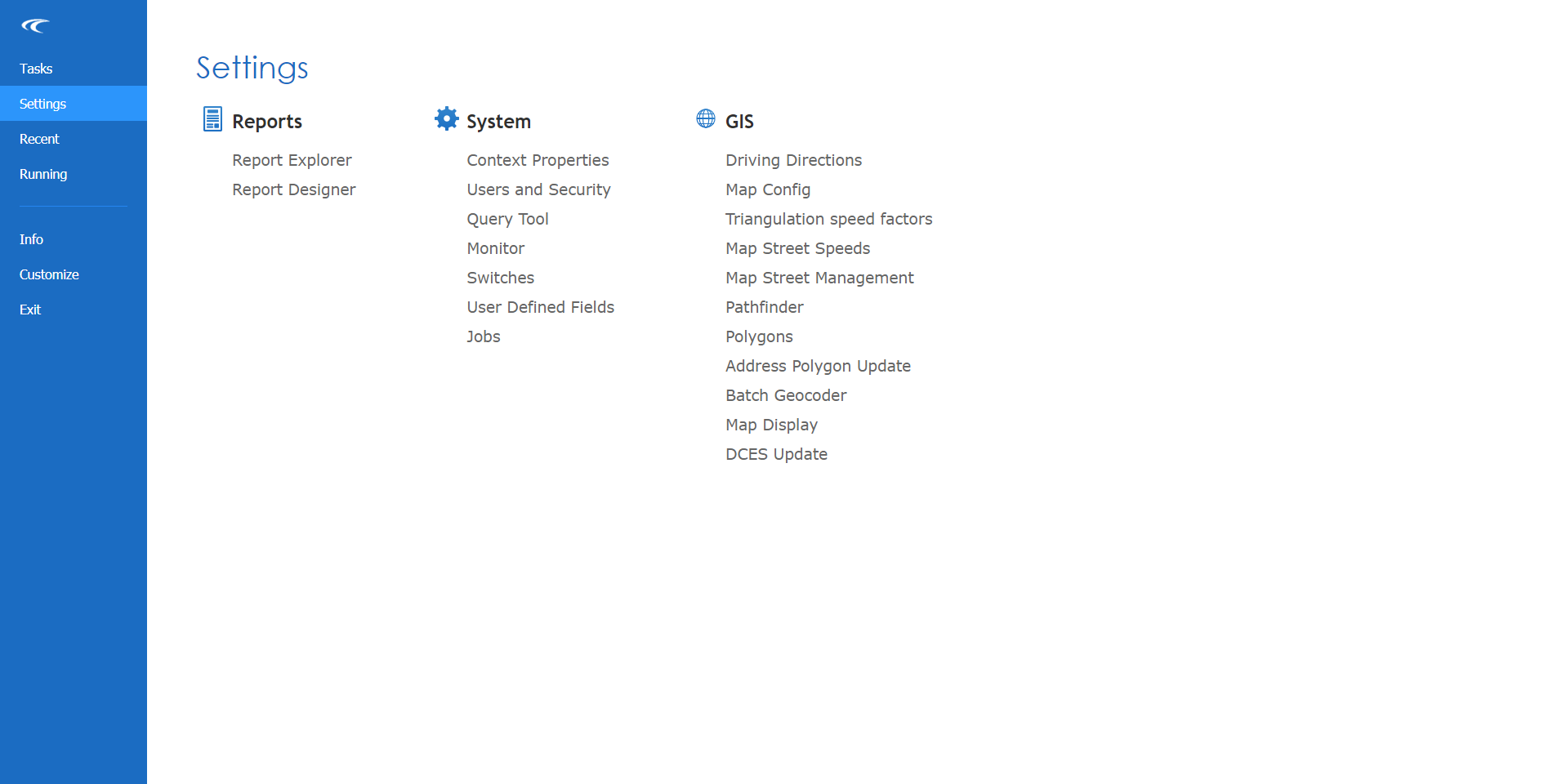
- Under GIS, click Polygons.
- In the Name Filter field, type the name or part of the name of the polygon to search for.
- Select a Dataset from the list.
-
Click Find.
A list of polygons matching the search criteria is listed.
- To view the polygon on the map, right-click the polygon, and then click Show.