
Example: Assigning Accounts to Groups
A step-by-step example of adding a user account to a user group and UI group.
About this task
Procedure
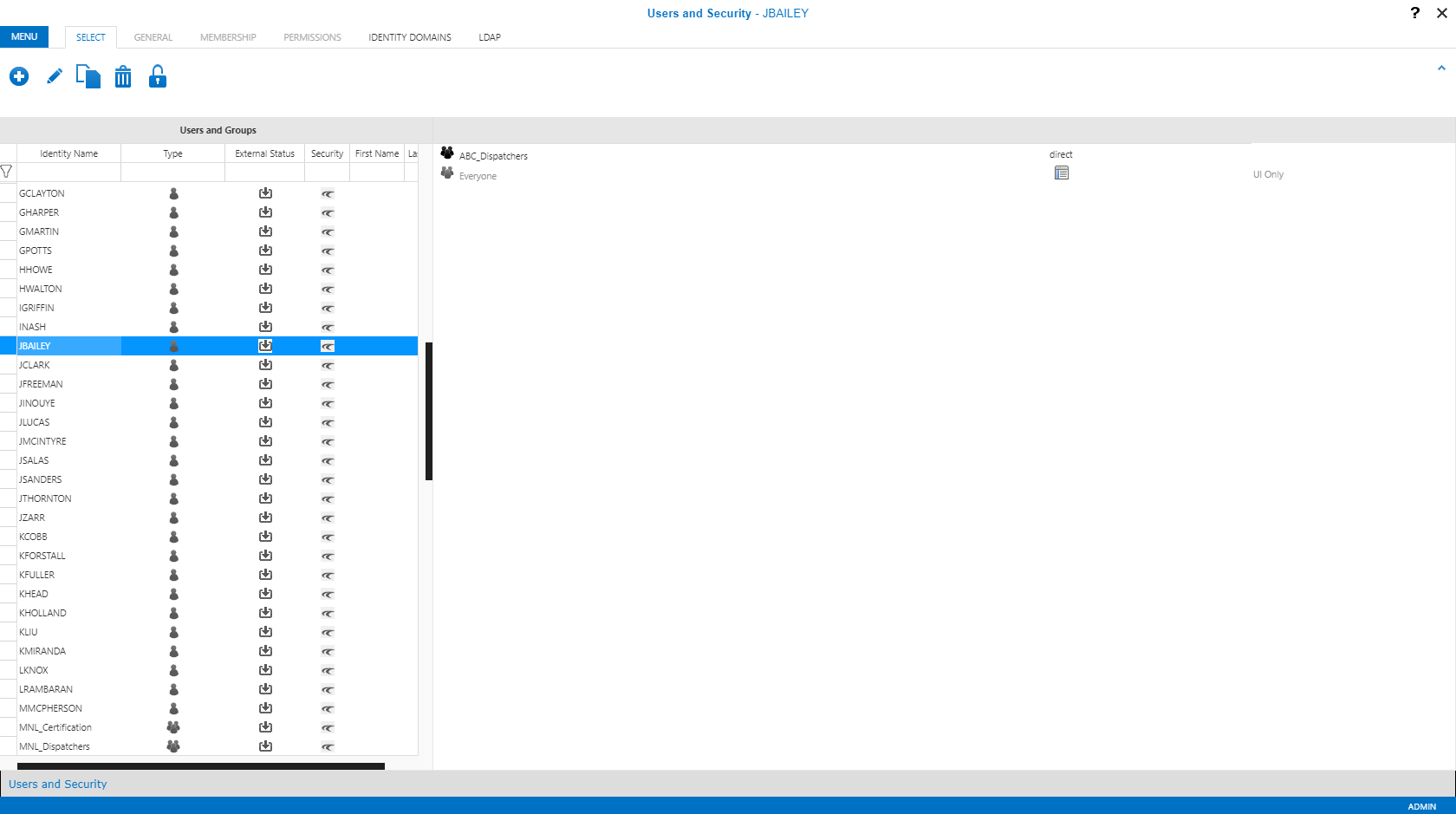
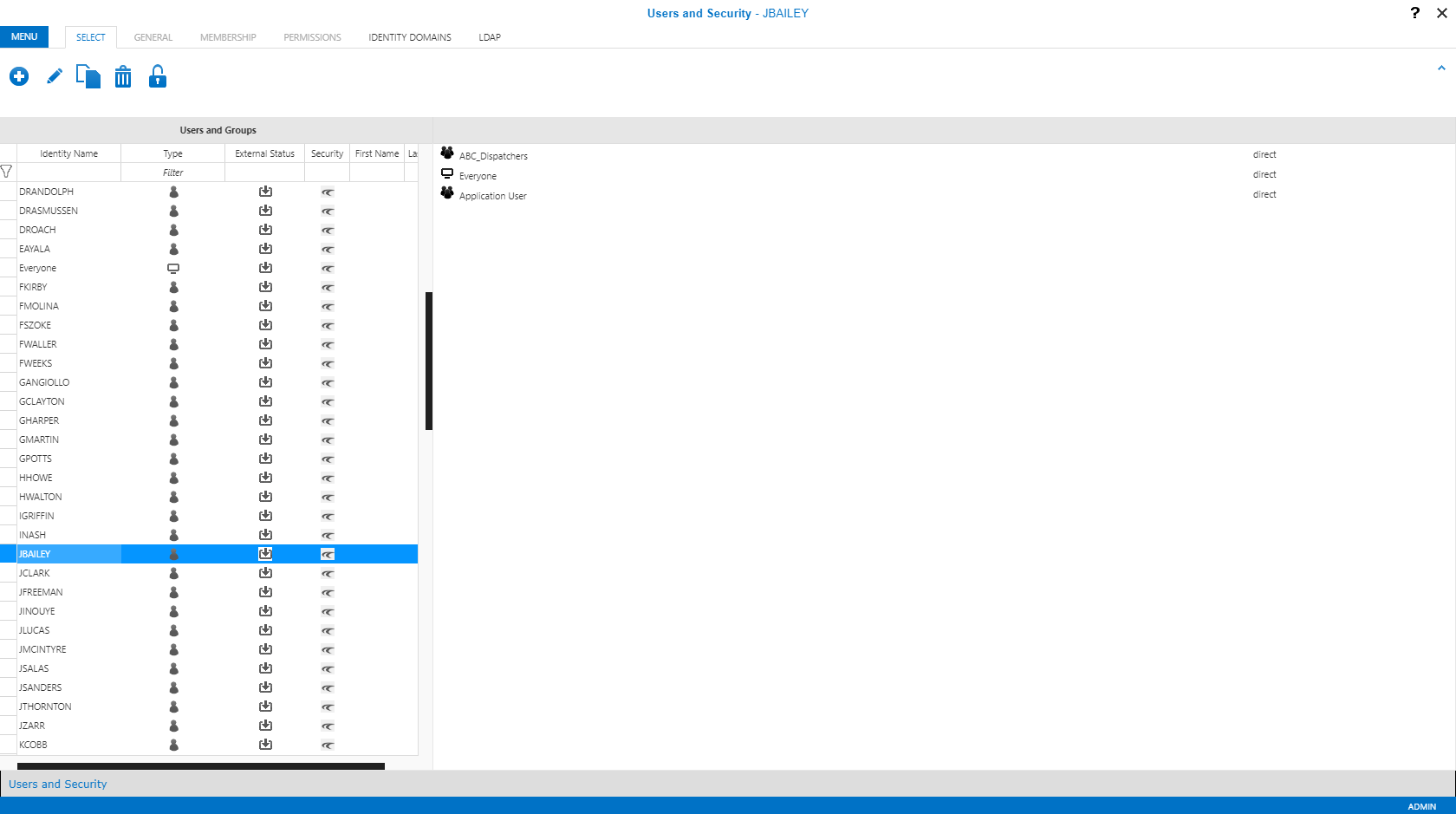
- In Users and Security, on the Select tab, click JBAILEY.
-
Click the Edit button:

-
Click the Membership tab.
In the Membership List, the Everyone UI group is listed. In the Group List, the Administrators UI group, Application User user group, and any other created groups are listed.
-
In the Group List, select the Application
User user group and click the left-facing arrow button:

-
In the Group List, select the Site
Managers UI group and click the left-facing arrow button:
-
Click the Save button:
