
About Service Infractions Cases
Cases are collections of one or more infractions for a client as defined for a policy.
Cases are promoted through the stages and phases of a policy. Before cases can be promoted, infractions must be investigated and then either confirmed or forgiven.
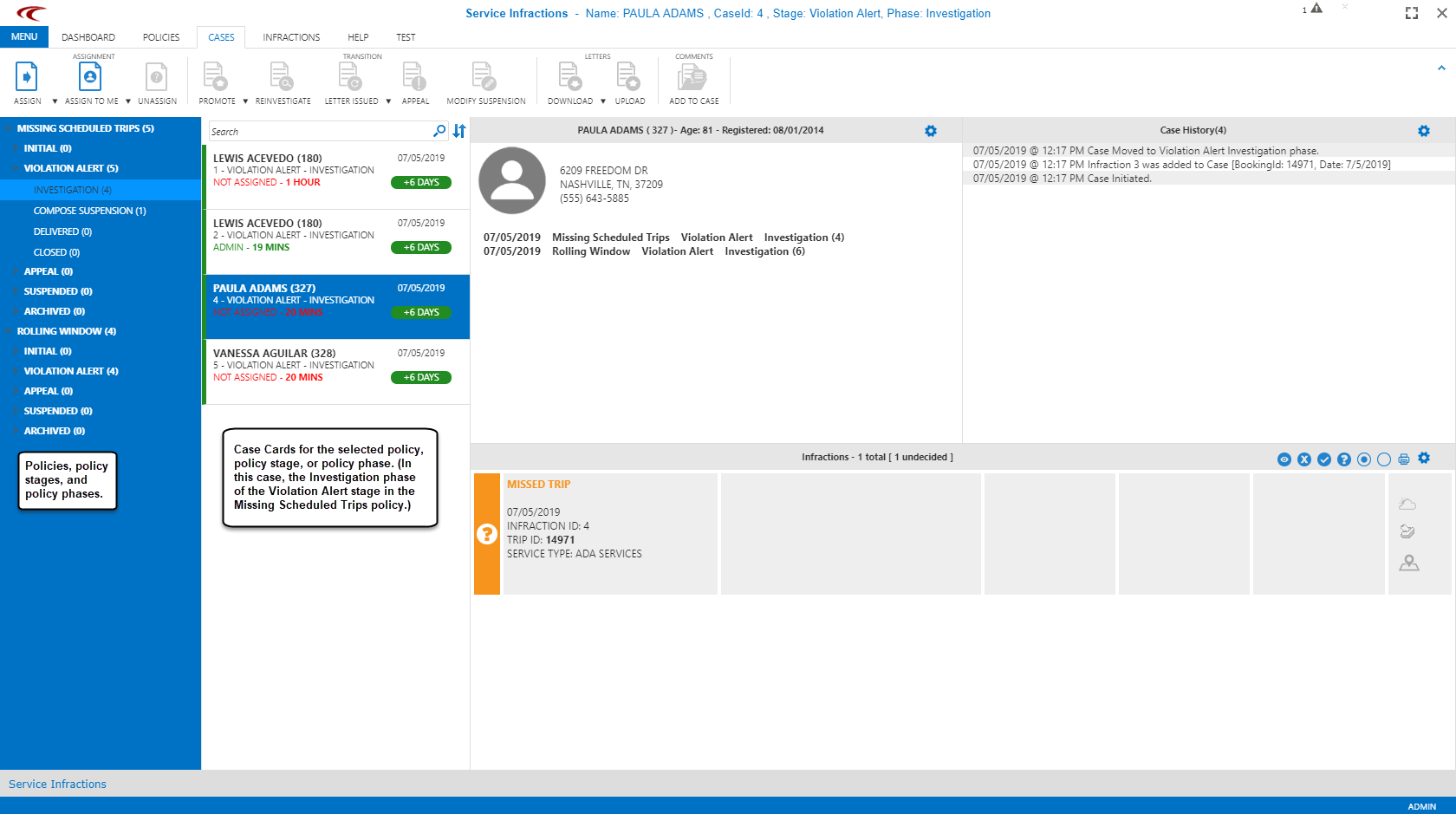
The Life of a Case
Case management is broken down into stages, and each stage contains multiple phases. Every policy starts with an Initial stage, which holds cases that have infractions but that do not meet a sanction threshold. For all policy types except Behavioral policies, the initial stage can be hidden by a system administrator using a context property.
When an infraction threshold is reached, the case is automatically promoted to the first available stage (typically, a first warning stage), where it is found in the investigation phase. This allows an assigned user to review any infractions and determine if they should be confirmed or forgiven.
Typically, at the beginning of each month, case activity is reviewed for the previous month. For certain types of policies, case activity should be reviewed on a daily basis.
For example, in a typical policy, you might begin by investigating cases in the first warning level stage. In this stage, you would begin with the investigation phase. After all of the client’s infractions are investigated, the case can be promoted to the next phase, so that appropriate action is taken. For a warning level, this means creating a warning letter (the compose phase) and sending it (the delivered phase). After that, the case is automatically moved to the closed phase. If the case remains closed for long enough, it is archived.
If more infractions are added to the case after it has been processed through one stage, but before it is archived, the case moves to the investigation phase in the stage that is one level higher than the last sanction (for example, Warning Alert 2 or Violation Alert). Typically, from the Investigation phase the case is promoted to the Compose phase in the same stage. However, the case can skip one or more stages and jump to the Compose Warning - Suspension phase in a higher stage if the policy has the Case Promotion option set to Highest Stage.
There are some special considerations that apply to certain types of policies:
- In flag periods policies, cases are created for the current time period but they stay in the Initial stage until the time period concludes. Then they're promoted to an investigation phase only if they meet the infraction threshold. This is because clients may take more trips after an initial no-show, which could affect whether or not a percent requirement is met.
- In multi-period infraction policies, the case stays open for additional months, but infractions need to be investigated for a single period at a time. Infractions assigned to the case stay intact at the end of the month until the case has been promoted out of the investigation phase. At that point, older infractions (from the previous month) are removed and newer infractions (for the month that has just concluded) are added. These infractions must be confirmed or forgiven and the next investigation finalized. Then, if no new thresholds are reached within the case life span, the case is closed.
- In rolling window policies, old infractions are removed and new infractions are added on a daily basis. If the case is in an investigation phase, everything stays as is. When the case is promoted out of the investigation phase, old infractions that have not been confirmed or forgiven are removed and any new infractions within the current rolling window dates are added. If there are no remaining infractions on the case, it is closed.
Missing Scheduled Trips Policy Cases
Missing Scheduled Trips cases are created automatically by the system based on service infraction policy criteria defined by system administrators. Typically, this relates to service types, providers, or status codes.
Behavioral Policy Cases
Behavioral cases are created manually by system users. Behavioral cases can only be deleted if they are in the initial stage, but they can be edited in any stage.
ShortFare Policy Cases
ShortFare cases are created automatically by the system. They can be set up to check for the amount of money owed by the client based on how much was collected from the client, or to check for the amount of money owed by the client based on how much more than the defined EZ-Wallet purse overdraft limit is owed.