
Expunging Suspensions or Flagged Periods
A case with previous suspensions or flagged periods can be expunged.
Before you begin
Important: The
Expunging feature is only available in version 7.x
About this task
Expunging a suspension prevents the case from going to a higher sanction level by lowering the number of prior suspensions. For flagged-period policies, expunging a suspension un-flags the corresponding time period to have a similar effect.
Procedure
- In the policy list, select the policy with the suspensions or flagged periods.
-
On the command ribbon:
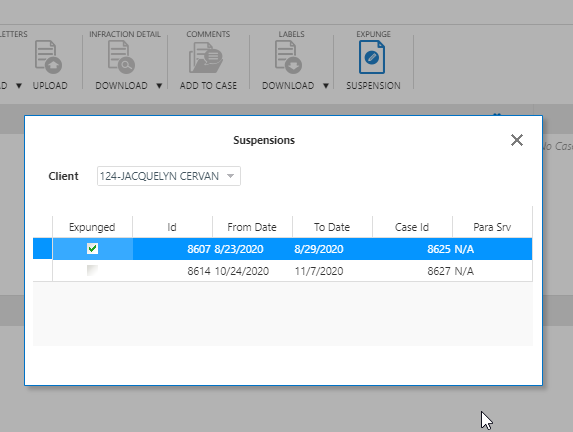
Choice Result Click Expunge Suspension 
The Suspensions dialog box opens: 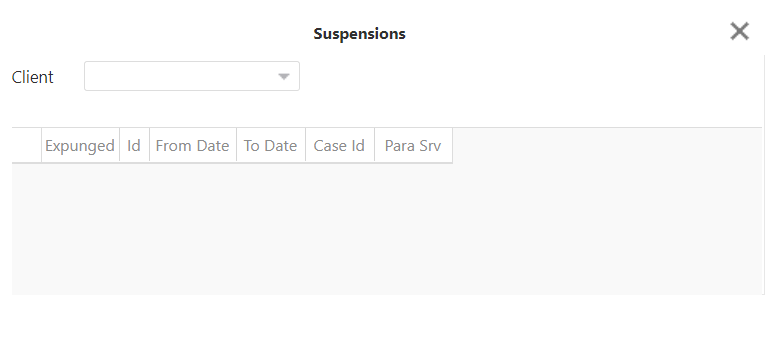
Click Expunge Flagged Periods 
The Flagged Periods dialog box opens: 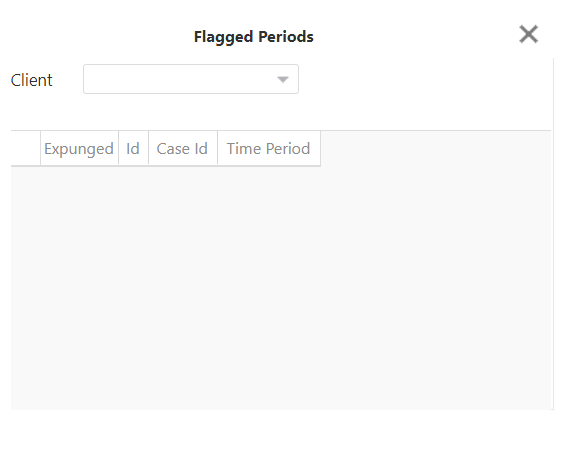
- In the Client drop-down list, select a client.
-
Select the Expunged check box of the suspension or
flagged period that you want to expunge.
-
Click X to close.
The suspension or flagged period is expunged.