
Adding Existing Comments Directly
You can add a previously defined comment from the Comment dialog directly in the Comment column:
-
Perform one of the following steps:
- Click the Comment field of the run to which you want to apply comments.
- Right-click anywhere on the row of the run on which you want to apply comments. From the shortcut menu, click Add Existing Comment.
The Comment dialog appears.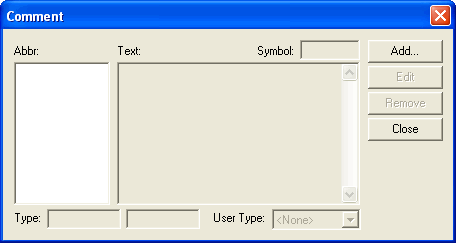
-
Click Add.
The Select Comment dialog appears.
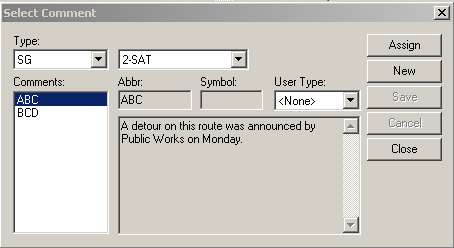
- From the Type list in the Select Comment dialog, select SG (Service Group) to apply the comment to the service group in the current context. Alternatively, select Global to apply the comment to all the lines.
- From the Comments frame, select the comment you want to apply to the run.
-
Click Assign.
The selected comment appears in the Comment field and the Comment dialog shows the comment details.
- Click Close.