
Moving Trips
You can move a trip to another block based on the run pieces.
- On the bus graph, select the line representing the trip that you want to move and right-click.
-
From the shortcut menu, click Move Trips.
The Move Trips dialog appears.
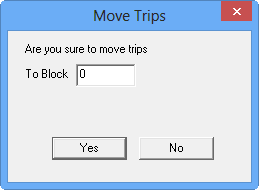
- In the To Block field, type the number of the block to which you want to move the trip.
- Click Yes.