
Setting Context in the Run Relief Restrictions Screen
Setting the context in this screen allows you to determine the sign-up period, division, and service group to which the run relief restrictions are applied.
-
With the Run Relief Restrictions screen open, press
F3.
The Context dialog is displayed.
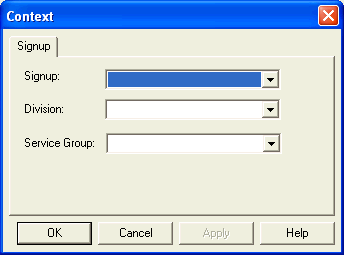
- From the Signup list, select a sign-up period.
- From the Division list, select a division.
- From the Service Group list, select a service group.
- Click Apply.
- Click OK.