
Duplicating Extra Work
To save time and effort, you can use the Duplicate Extra Work feature to apply similar extra work to different runs.
- On the Rostering screen, click the extra work you want to duplicate.
-
Click . The Duplicate Extra Work dialog box appears.
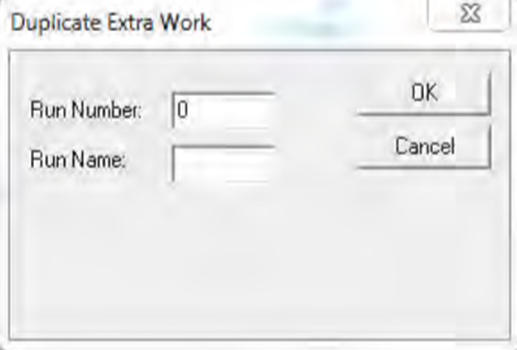
- In the Run Number field, type the run to which you want the extra work to apply.
- In the Run Name field, type the name of the run to which you want to apply the extra work.
- Click OK.