
Editing Extra Work
Modify Extra work on the rosters using the different options given.
- On the Rostering screen, click the extra work you want to edit.
-
Click . The Edit Extra Work dialog box appears.
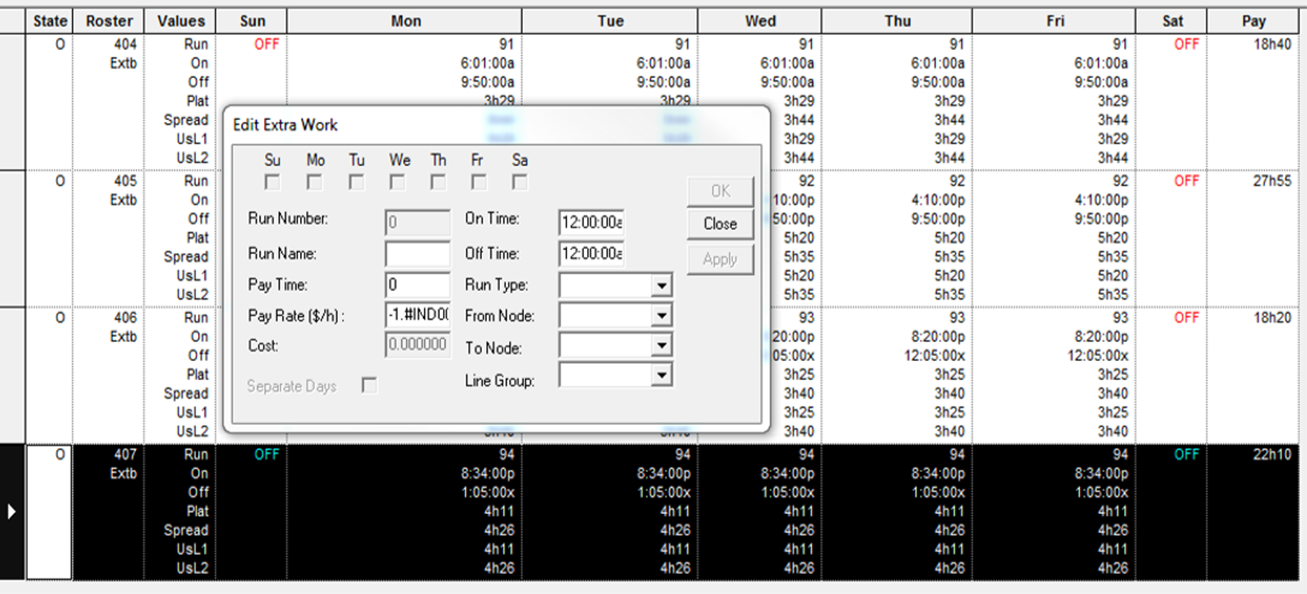
The week template check boxes and the Separate Days check box appear shaded.
- Make the necessary changes on the different fields as necessary.
- Click Apply.
- Click OK.
- Click Close.