
Extracting Run Times From Trips with Patterns
You can extract run times from trips with patterns.
- On the Run Times tab, select the run time interval of the pattern for which you want to create run times.
-
Click Edit:

The Edit dialog box appears.
-
Select the Extract tab.
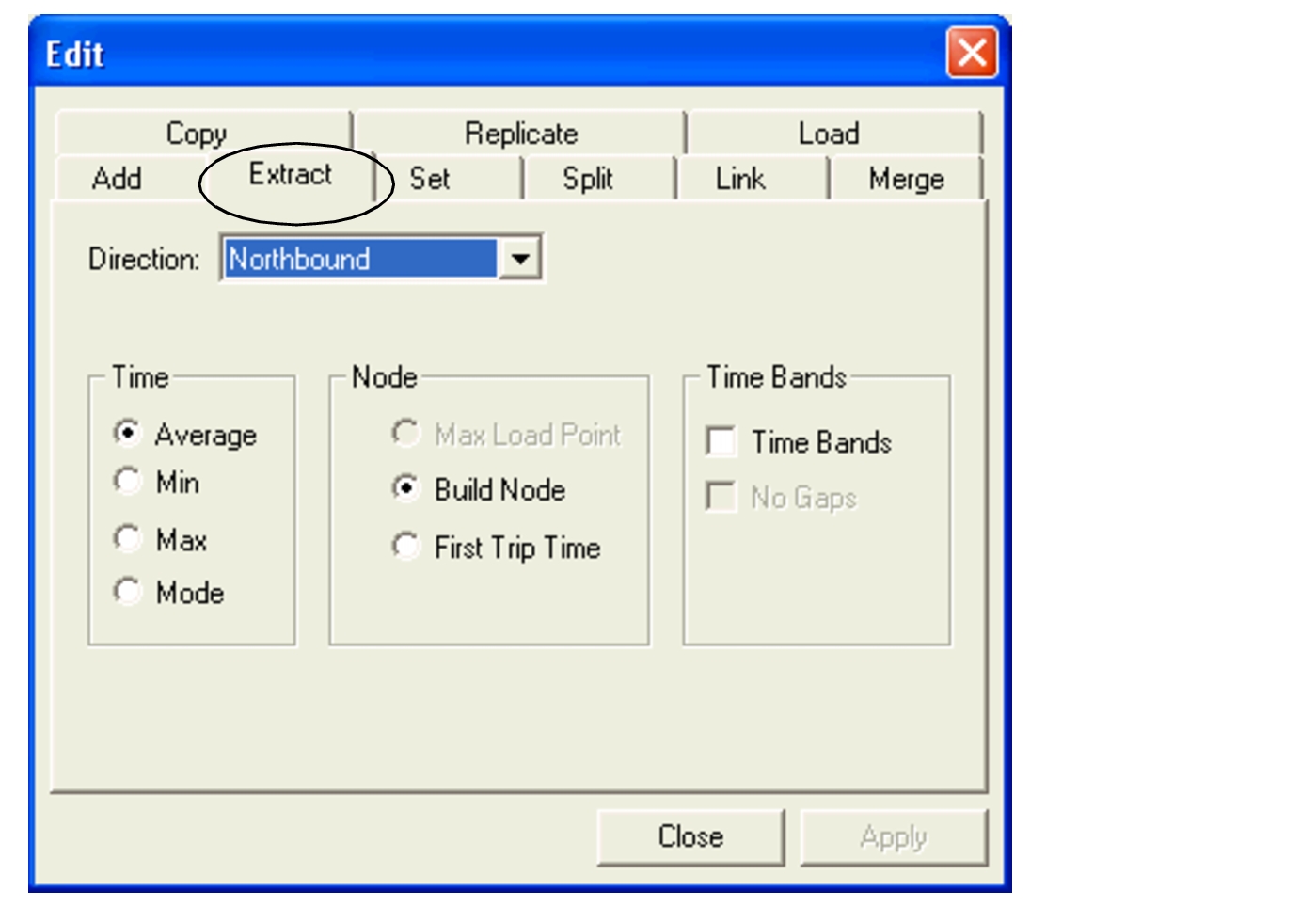
The direction of the selected run time interval appears highlighted in the Direction field. Change the direction if necessary.
- In the Time frame, select the appropriate option: Average, Min, Max, or Mode.
- In the Node frame, select an appropriate option: Max Load Point, Build Node, or First Trip Time.
- In the Time Band frame, select the Time Bands check box.
- Click Apply. Run times based on the Time and Node options you selected appear beside the run time interval you selected on the Run Times tab.
- Click Close.