
Using the Deadheads Tab
You can view and edit deadheads on the Deadheads tab.
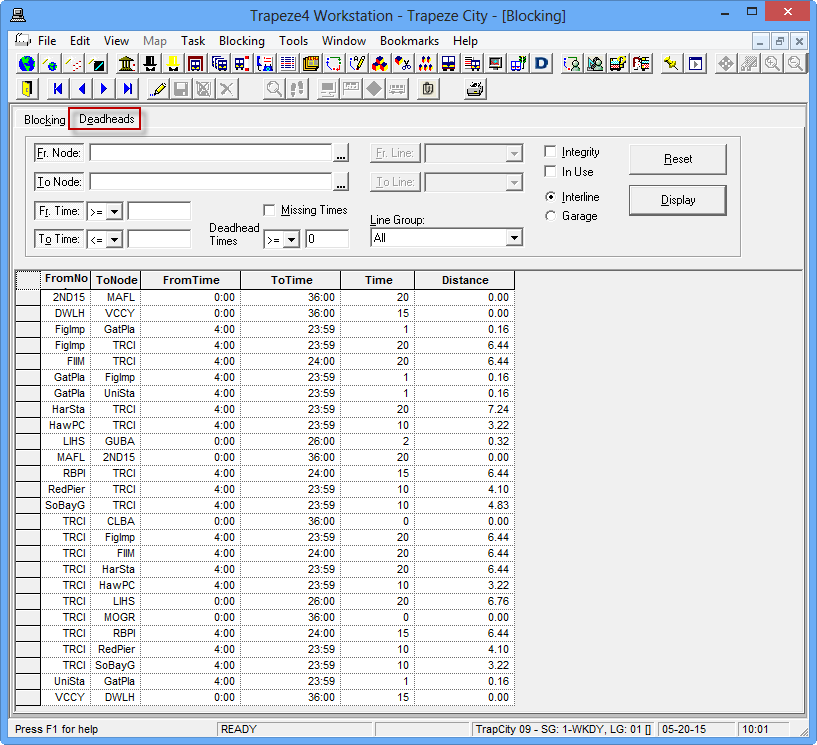
- Optional:
If not using any of the fields that are activated, you can choose to make them
inactive. Click Fr. Node, To Node,
Fr. Time, or To Time buttons
accordingly.
The selected field labels appear inactive including the fields beside them, that is, you are unable to type or edit values in them.
- Use the arrow keys on your keyboard to move up and down the Deadhead grids.