Plotting allows you to calculate the distance between nodes and between a garage and a
node on the system or Google map.
Note: The Plot tab in the Edit dialog box in the
Deadheads screen is similar to the Plot tab in the Node to Node
Edit dialog box.
You can plot deadhead traces on either the system or Google map in a manner similar to
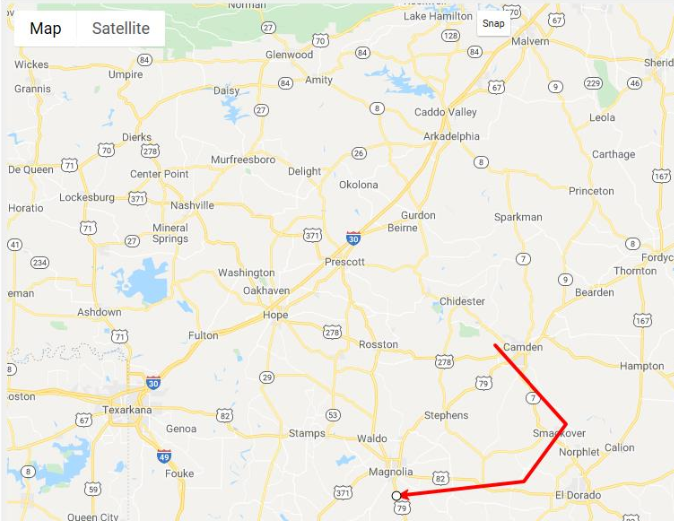
plotting route traces in the Route Definition screen. The following image shows a sample
deadhead trace on the Google map.
The plot must be traced completely. A warning appears if the trace is not within the
predefined radius of the end node. The radius is set as a Blocking property.