
Using the Drive Feature on Deadhead Traces
Use the Drive command to see how the vehicle is expected to travel the selected deadhead trace on the system map. This feature is the same one available on the Patterns tab in the Route Definition screen.
-
On the screen toolbar, click the Drive button:
 The Drive dialog box appears.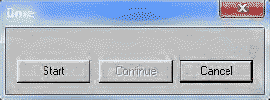
- Click Start.
A short line representing a bus moves from the start to the end of the trace. It pauses at each break on the pattern trace. When it reaches a break on the trace, click Continue if you want the line to proceed, or Cancel to stop the process.