
Creating Headers and Footers
You can create customized headers and footers for your printed reports.
-
Click in the results grid of a report and select
Header/Footer:

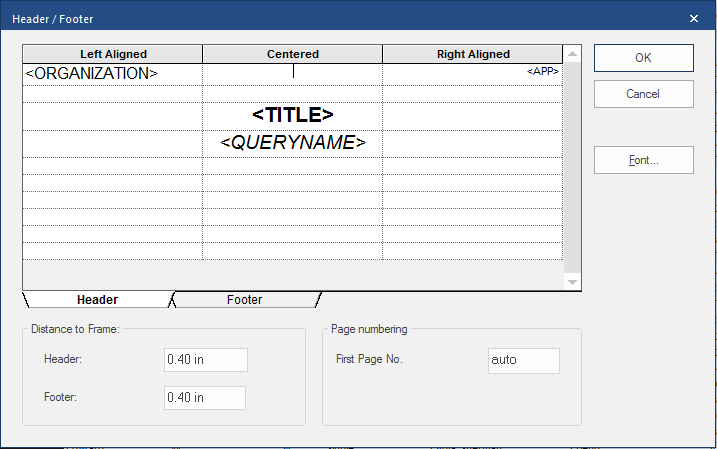
- In the Header field, enter the distance from the top of the report to the header.
- In the Footer field, enter the distance from the bottom of the report to the footer.
- In the First Page No. field, enter the first page number for the report.
-
Select the Header or Footer
tab.
The following steps must be performed for both tabs:
- In the format area, enter text and tokens in the cells where you want them to appear (left-aligned, centered, or right-aligned).
-
For each cell that includes text or tokens, select the cell and then select
Font.
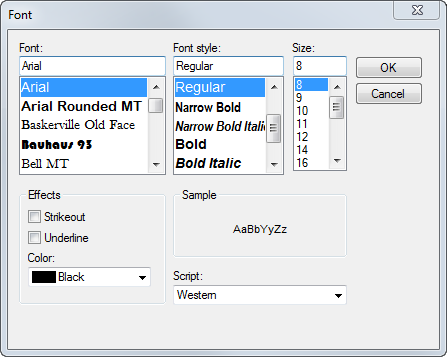
- Select the formatting to apply to the selected text and then select OK.
-
Select Save:
