
Viewing Contact and Personal Information in Employee Cards
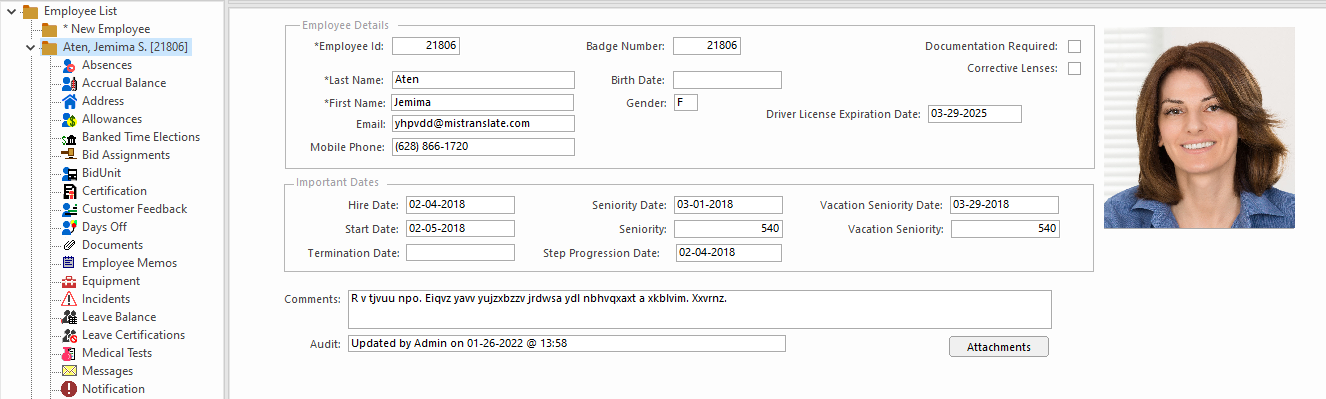
The Employee Profile screen, or employee card, shows information such as names, addresses, hire dates and seniority.
- In the Employee Profile screen, set the Context (F3).
-
In the left pane, select the employee to view.
The employee card appears in the right pane.
-
To see documents or videos or listen to audio files attached to the employee
card, select Attachments.
The Manage and View Attachments dialog lists any attached files. Select the file to open.
-
To see details about the employee, select an information type (for example,
Absences or Skills) in the
submenu in the left pane.
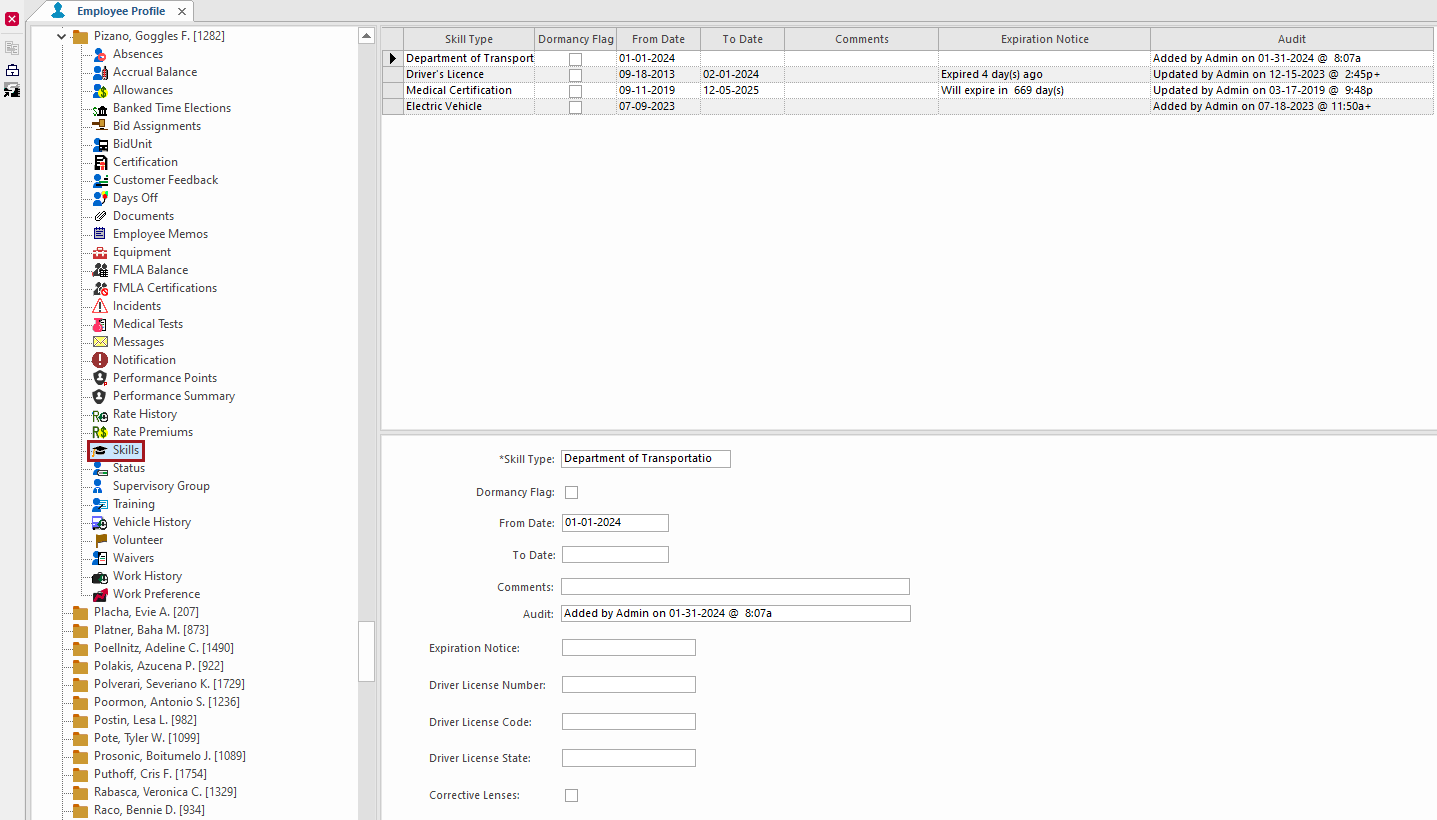
Detailed information appears in the right pane.