
Viewing Flag Stops in Run Itineraries
You can view only flag stops in a run itinerary.
Before you begin
Procedure
Click the View Flag Stops button:

Flag stops in the run itinerary are shown and all other events are hidden.
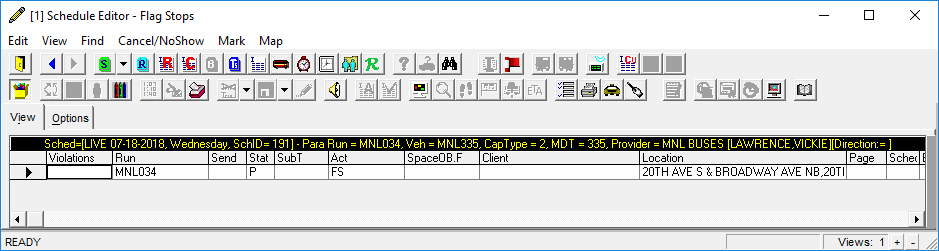
You can view only flag stops in a run itinerary.