
Generating Shuttle Schedules
The shuttle schedule is saved ad a text file and added as a comment to the runs to which they are associated.
On the Runs tab in the BlockBuster screen, select all runs to
which shuttles will be assigned.
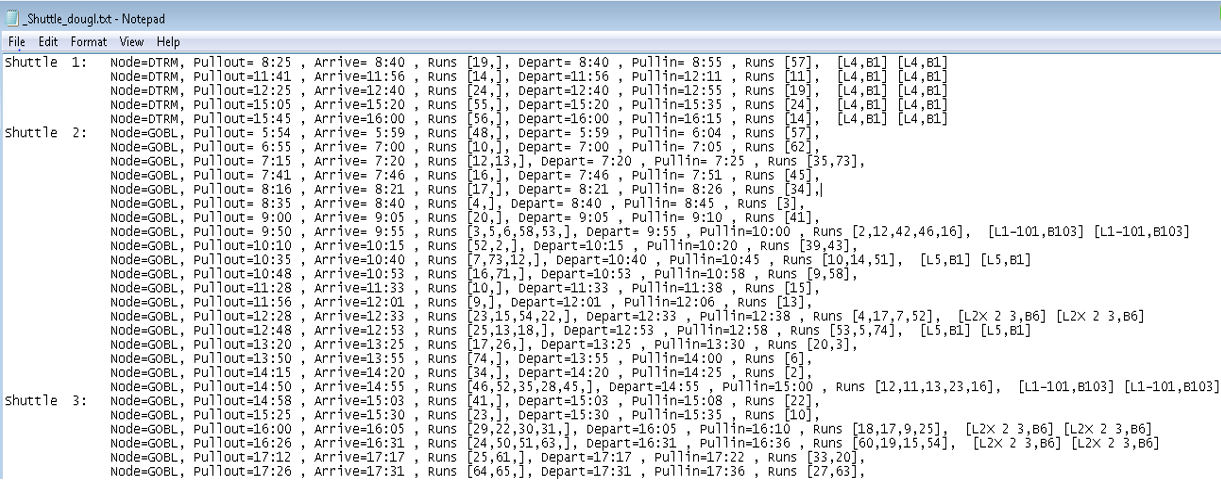
The shuttle information is saved, for example, as ShuttleAdmin.txt. The following graphic shows sample shuttle information: