Place text in quotation marks for exact match search results.
Viewing Block Statistics
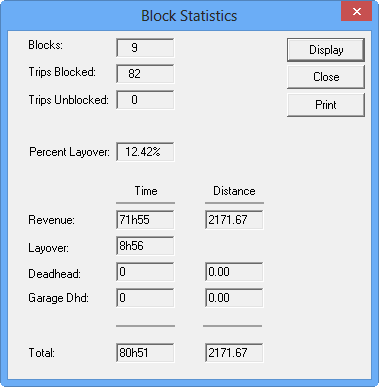
The statistics are displayed for all blocks in your current context in the
Block Statistics dialog box.
On the Blocking tab, click Blocking > Statistics.
The Block Statistics dialog box appears.
The fields in this dialog box are similar to the
Statistics frame at the lower section of the
Blocking dialog box. The following graphics of the dialog box and
the Statistics frame show examples of the statistics of the same
set of blocks.