
Moving Trips to Another Block
The Move Trips feature allows you to move a number of trips from one block to another in the Blocked grid.
-
Click .
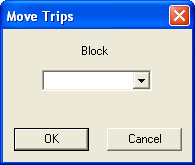
The Move Trips feature allows you to move a number of trips from one block to another in the Blocked grid.