
Standard Reports New Features
Standard reports enhancements have been added in v21.0, v21.1, and v21.2.
New Standard Reports
The following OPS Standard Reports have been added: 
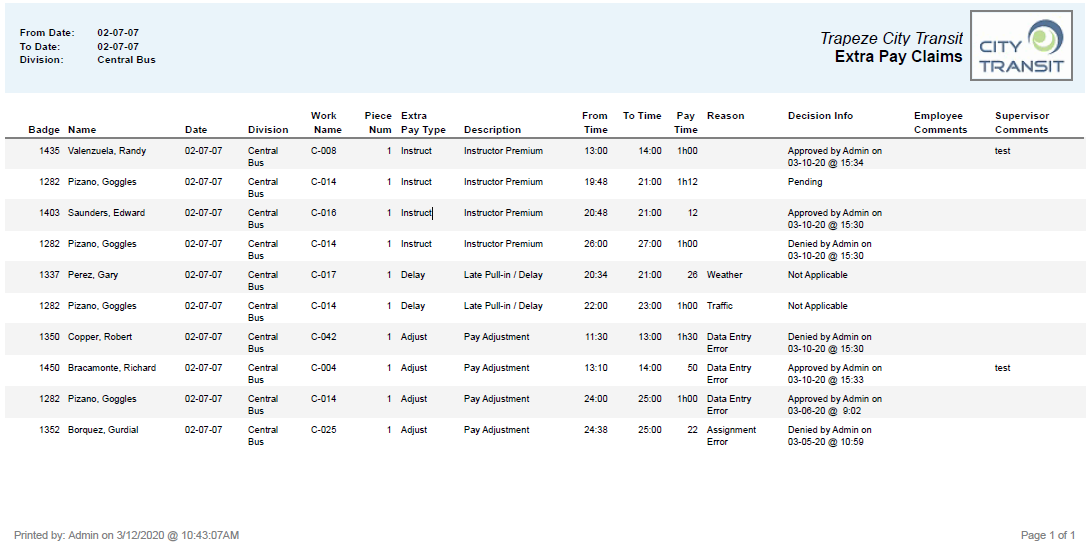
- Extra Pay Claims Report. Shows a list of employee
Extra Pay claims and whether they have been approved, denied, or deemed not applicable.
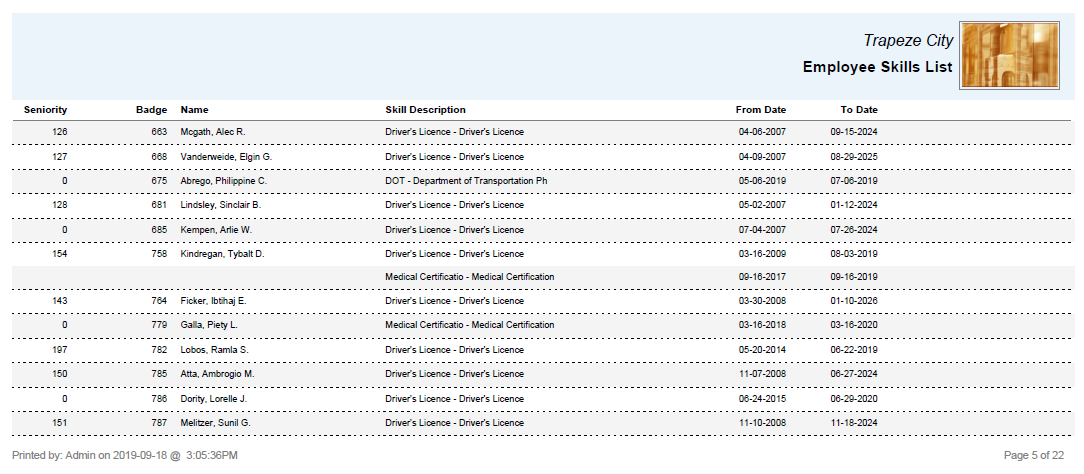
- Employee Skills List Report. Shows the active
skills of each employee on the selected date. Skills that are expired or marked Dormant
are not included in the report.
- Operational Bid Vacation Relief Report. Shows the
results of the selected vacation relief operational bid.

Report Updates
- To prevent the generation of multiple pages caused by HTML formatting, new entries in the Notification Log Reports that are delivered by email are now shown without the full message body and HTML formatting.
- Holidays shown in the Pick Slip are ordered chronologically.
- Bidding Report parameters now include an Order
By option.
You can sort results by BadgeNum, Seniority, or Name.
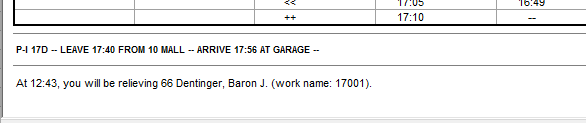
- The Standard Driver Paddle now includes relief information:
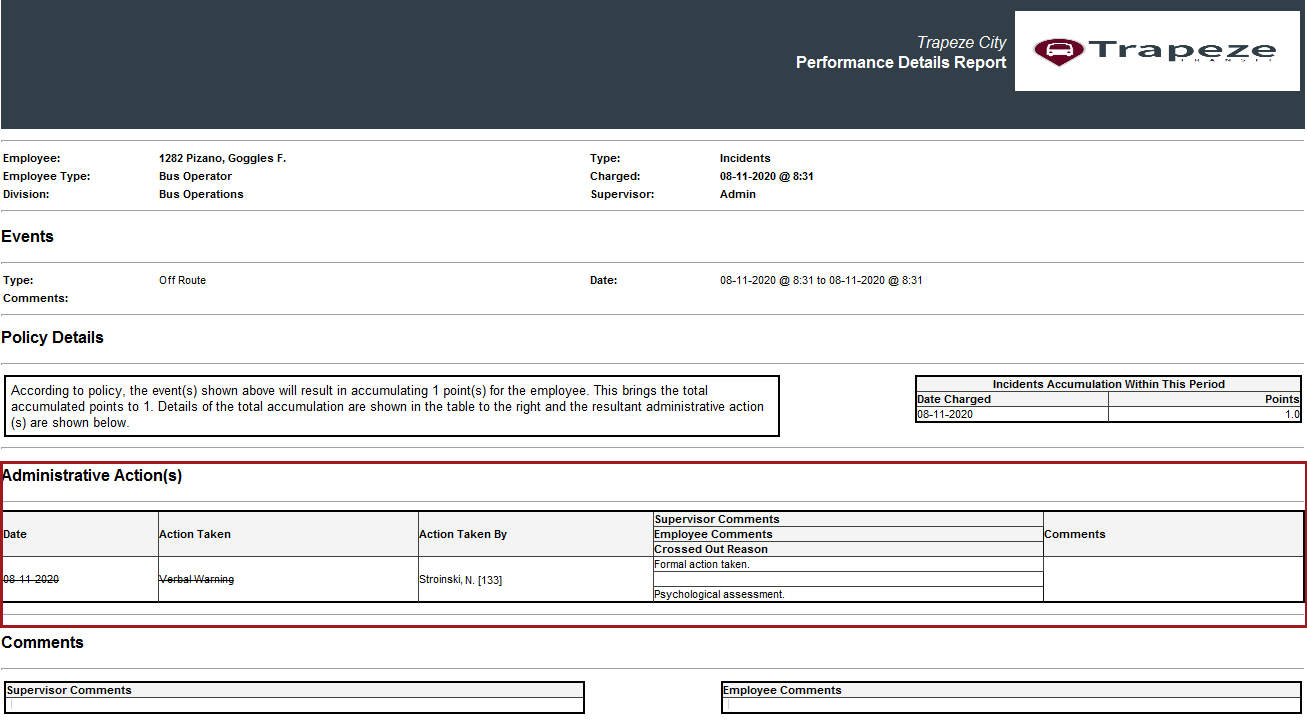
- The following reports now include administrative action information.
For example, Employee Comments, Supervisor
Comments, and Crossed Out Reason:
- Absence-Related Performance
- Employee Profile - Performance Summary
- Incident-Related Performance
- Performance by Employee
- Performance Details
- Performance Details (HTML)
- The Bid As Needed Runs report, Bid Runs report, Bid Holiday Runs report, Unbid Runs report, Unbid Holiday Runs report, Daily Verification report, Daily Exceptions report, Daily Activity report, Dispatch Daily Exceptions report, Employee Activities report, Assignment Details report, Roster Detail report, and Work Detail report include time component values based on the properties selected in . For example, Include Wait Times and Include Travel Times.
- The Bid Questions and Answers report now includes a Comments column.
- In the Bidding Details report, volunteer Comments were added to the volunteer section.
- The Pick Slip report was updated:
- Holiday work is shown in chronological order.
- Comment areas were added to the Volunteers section and to the Questions section.
- In the Bid Holiday Extraboard report, the Abbreviation Column has been renamed Unbid to better reflect its purpose. (The column is only populated for unbid work.)
- The Bid Vacation Relief report was updated to redesign the fields and header so that Excel and PDF output look the same. Sign On Time, Sign On Loc'n, Sign Off Time, and Sign Off Loc'n headers were updated. Data columns are no longer moved to the left if an empty column is found in Excel output.
- The Vehicle Assignment by Work Name report was updated:
- The BusTypeId field is now consistently populating the Type column.
- The Footer section now shows the correct BusTypeId instead of the word BusTypes.
- Column names have been updated: Line is now Line Group Name and Line Abbr is now Line Group Abbr.