
Editing Bidding Times
Edit bidding times in the Bidding screen.
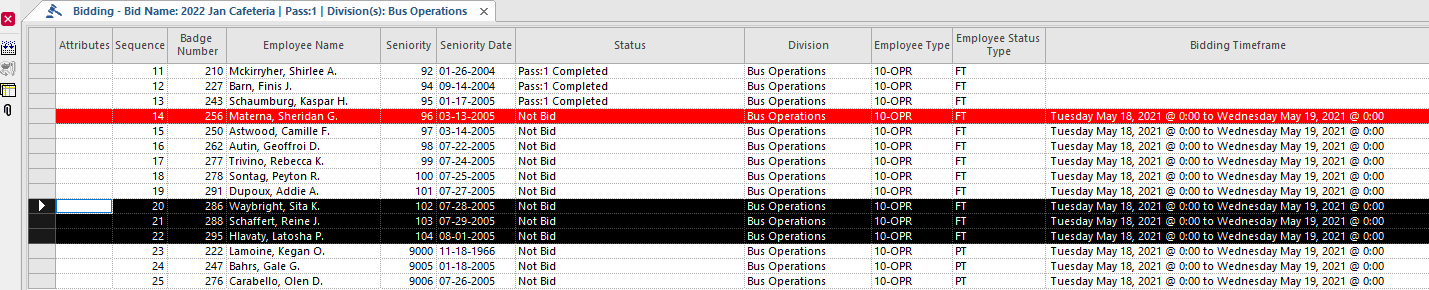
- Open the Bidding screen and set the Context (F3).
-
Select the employee bid(s) for which to edit the time frame.
-
Select Edit Bidding Times:

-
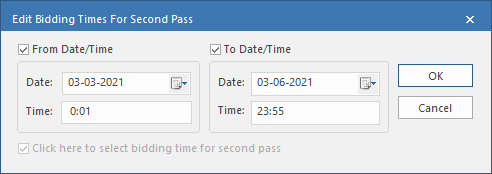
In the Edit Bidding Times dialog, change the
From Date/Time and To
Date/Time information as required.
OPS-Web Bidding Requests users can submit bids during this period.If a bid unit is for vacation relief, you can select the Click here to select bidding time for second pass checkbox. If the first pass is completed when the bidding times are edited, then this checkbox is selected and only the time frame for the second pass can be updated.
- Select OK.