Signing In to Work on Smaller Screens
If your transit agency uses Sign-In Terminal, you can sign in to your work using ESS Employee Information.
Note:
Signing in using a Sign-In Terminal kiosk
may move some personal messages from the Inbox to
Acknowledged Messages.
-
Select menu (
 ), then Calendar.
-
Select today's work assignment.

If you have more than one work assignment, select the one that you're expected to be working at this time. -
Select Sign In.
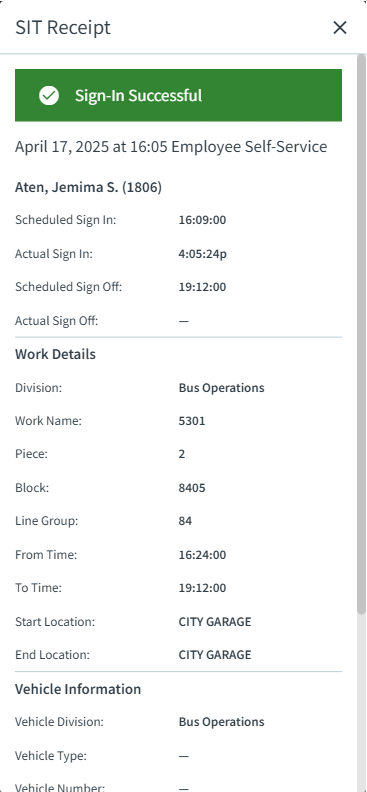
The SIT receipt appears. Scheduled sign-in times and other work information shows on the receipt.