
Viewing Extraboard Posting Reports on Smaller Screens
Extraboard posting reports show agency-wide postings for available work types.
-
Select menu (
 ), then .
- Select the Date to view.
- Select an Extraboard Type.
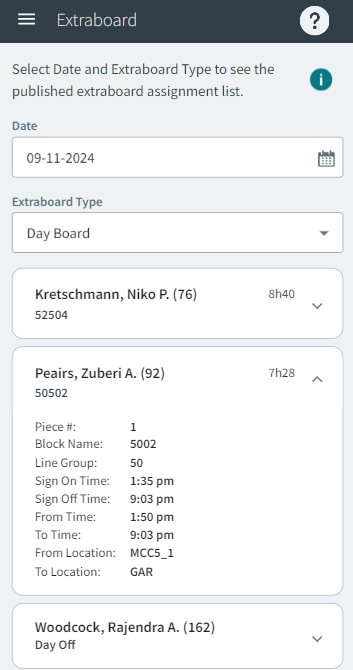
Extraboard posting reports show agency-wide postings for available work types.
), then .