Creating Reports
Power users can create new reports to share with consumers and other power users.
-
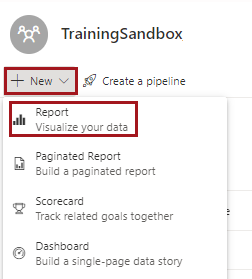
There are several ways to create a new report.
- Select + New Report located on the upper
right-hand corner of the Home canvas.

- In the navigation pane, select + Create.
- In the navigation pane, select Workspaces and
then a workspace. Select .
A page appears asking you to add data for the report.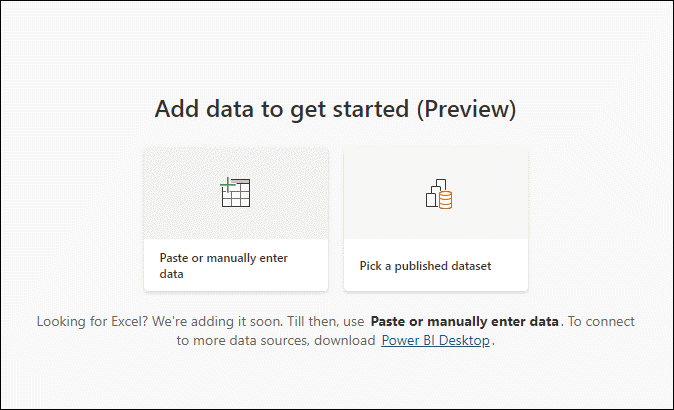
- Select + New Report located on the upper
right-hand corner of the Home canvas.
-
Select Pick a published dataset.
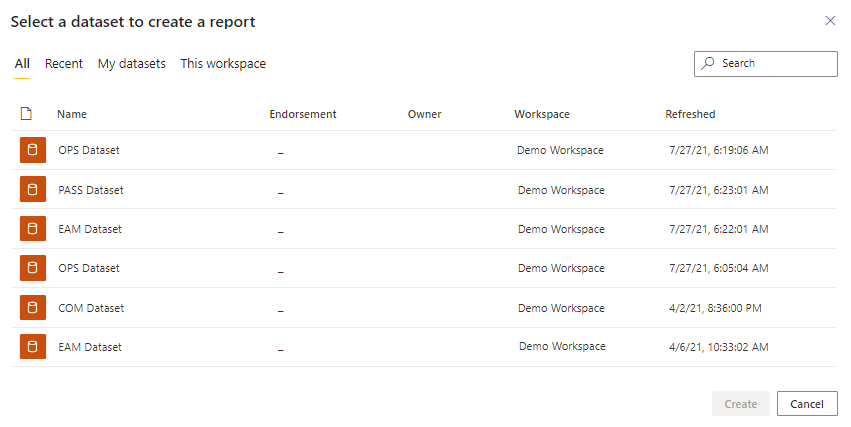
A dialog appears with a list of available datasets.
-
Select a dataset and then select Create.
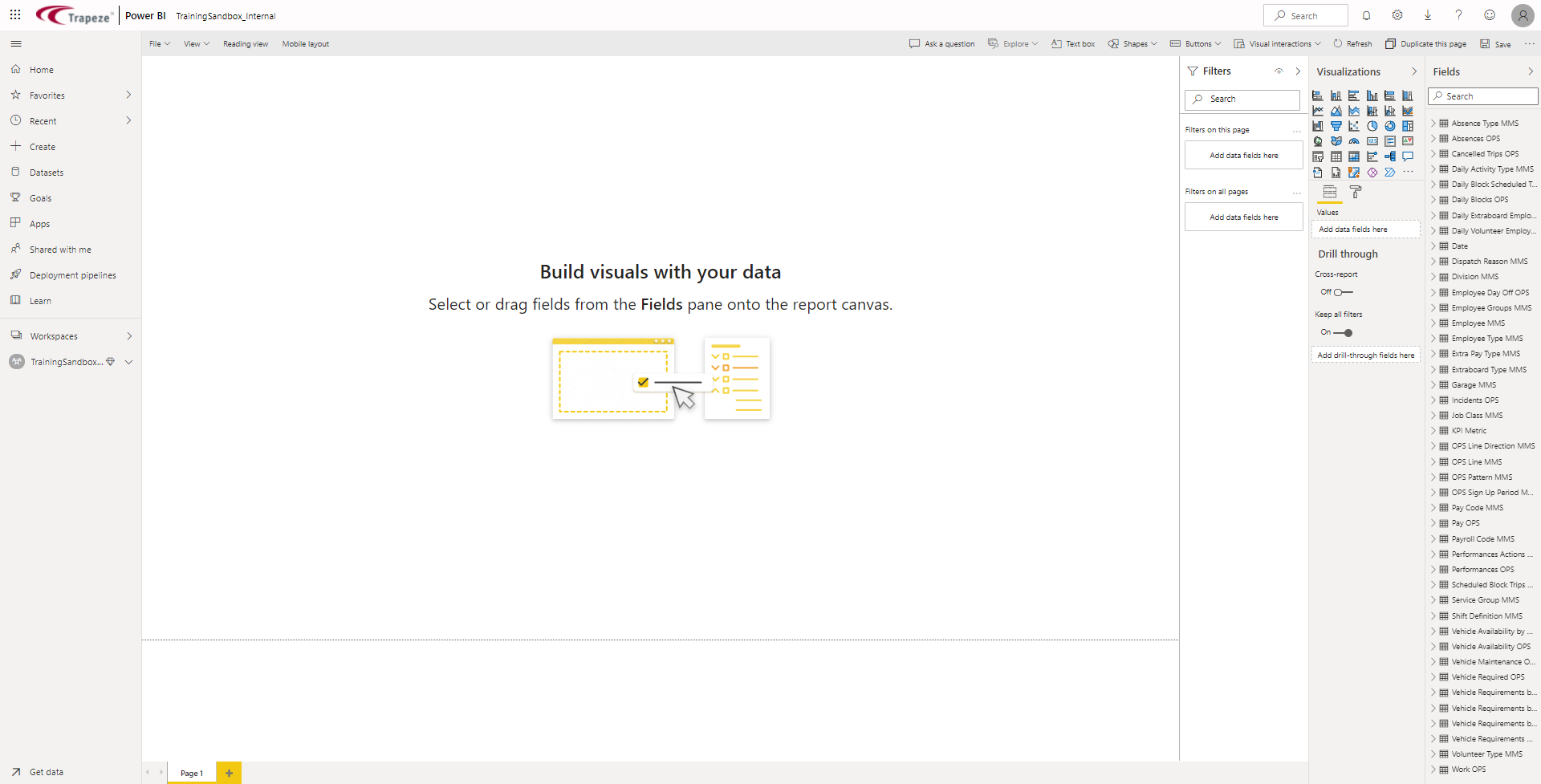
The new report canvas opens.