Jump to main content
Place text in quotation marks for exact match search results.
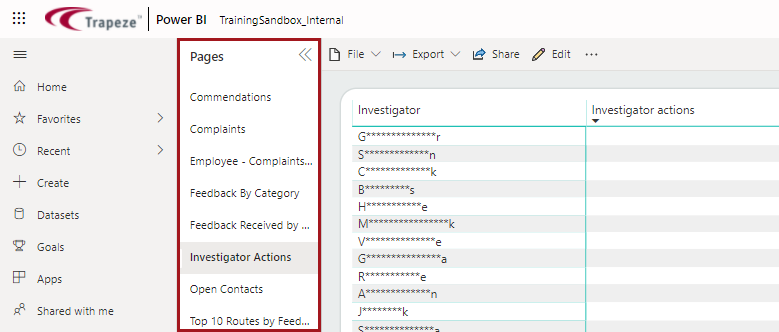
Navigating Report Pages
Navigate through reports that have multiple pages and hide or show report pages
according to your preference.
![]()
TRADE SECRET. Trapeze Proprietary and Confidential. © Trapeze Software ULC, its subsidiaries and affiliates. All rights reserved.