Resetting Reports

After making changes, you can reset reports to the original versions.

If you have modified how visuals look or applied filtering to the report, the Reset to default button on the report toolbar is yellow.
  1. Select Reset to default.
    A right-swooping arrow circled in yellow and the words Reset to default.
    A dialog appears asking you to confirm the action.
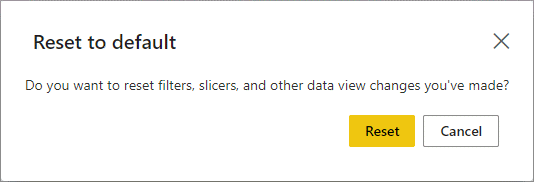
    The Reset to default dialog, showing the Reset and Cancel buttons.
  2. Select Reset.
    The report page refreshes and Reset to default dims.

    A right-swooping arrow and the words Reset to default.