Reviewing Trip Booking System Properties
Trip Booking properties should be defined before Trip Booking is used.
Before you begin
About this task
Procedure
-
Click .
Depending on your security permissions, you may not be able to access system properties.
-
On the Profile tab, click PASS Booking
Client.
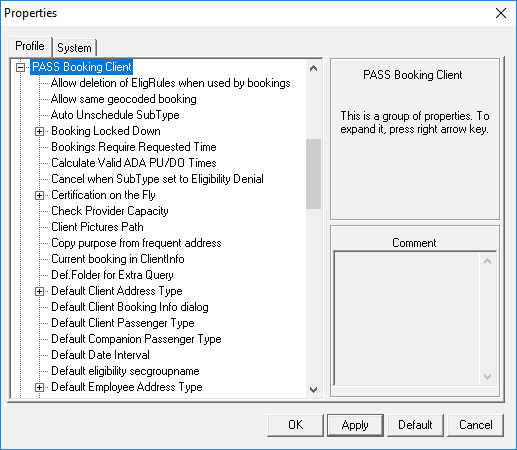
These are properties which affect Trip Booking and are defined globally for all users. Review the settings for each property. - Click OK.
- Click .
-
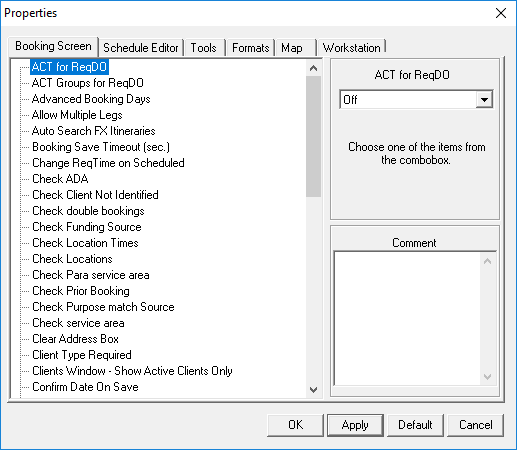
In the Booking Screen tab, review the property settings.