
Setting the Text Colors
You can change the colors of the text as required.
-
Click .
The View Setup dialog appears with the General tab open by default.
-
In the Colors frame of the View Setup
dialog, select the part of the graph: Header, Even, Odd, Empty (rows) and click
Change.
The Color dialog appears.
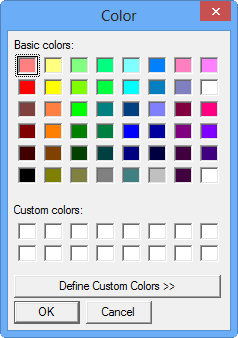
- Click the color that you want to apply to the text of the selected part of the graph.
- Click OK.