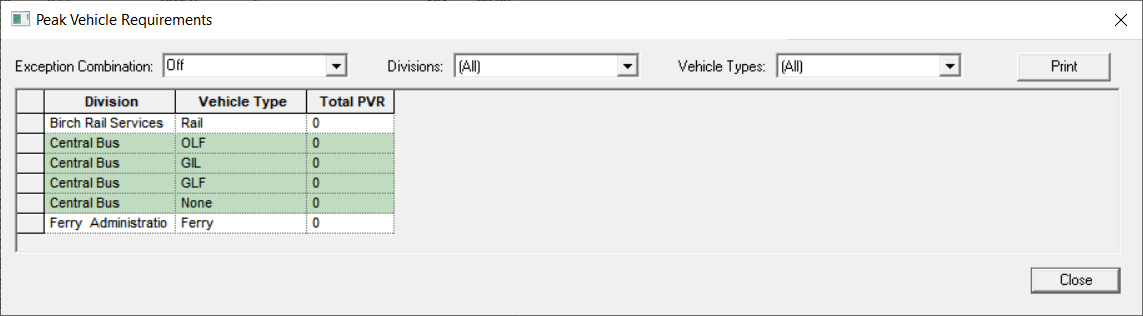
Open the Peak Vehicle Requirements dialog box to view your
vehicle information during peak periods to determine if adjustments are required.
Run the Peak Vehicle Requirements feature
after you have completed blocking or loading all blocks for each vehicle type.
-
In the Blocking screen, click .
The Peak Vehicle Requirements dialog box
appears.
- Optional:
In the Exception Combination drop-down list, select the
exception combination for which you want to view the number of vehicle requirements.
The statistics for the selected exception combination are shown on the grid.
-
In the Division drop-down list, select the appropriate
division.
-
In the Vehicle Types drop-down list, select the appropriate
vehicle type.
If a block does not have a vehicle type associated with it, then it will have
None in its Vehicle Type field and is
added to the appropriate garage.
-
Click Close.
