
Creating a Special Service
The special service feature lets you to apply a service to a regular work day.
- Open the Holiday screen and set the Context (F3).
-
Create a holiday and in the Holiday Configuration dialog
select Special Service.
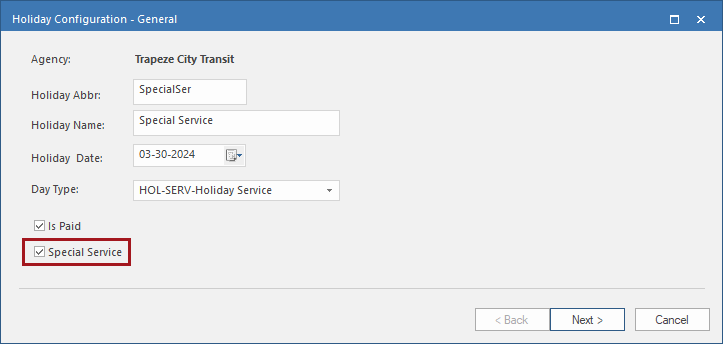
- Select Next.
- Select the required Division Group, Service Group Id, and ExcComboId.
- Select Next.
- Review the holiday details and select Finish.