About Recognizing Double Bookings
A double booking is a scheduling conflict that occurs if one client is booked for two trips on the same day and at the same (or nearly the same) time.
The system can be set up to alert you to instances where this might occur. To confirm this feature is turned on, open Trip Booking, click , and on the Booking Screen tab, check that the Check double bookings property is set to Yes.
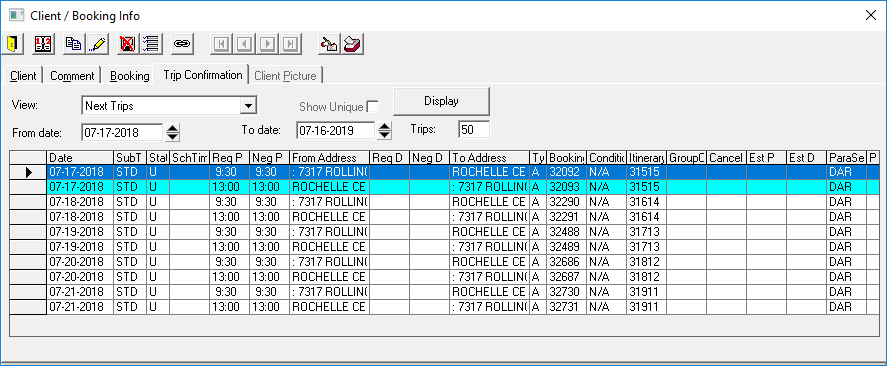
Now, when creating a booking for a client who is already booked for a trip that same day, the system shows any existing bookings on the Trip Confirmation tab of the Client/Booking Info dialog box.
If the Client/Booking Info dialog box notifies you of a previous booking while creating a new booking, compare the time, origin, and destination of the two bookings and decide whether or not the new booking would be a double booking.