Selecting Garages
Garage records are created as ancillary data.
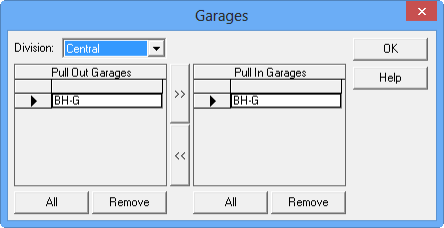
If you have multiple garages, check your list of available garages and the associated divisions. This is important if you have more than one garage deadhead available to or from a revenue node that could be used while assigning garages. The Garages dialog box provides this information and allows you to select a garage. For example, you assign Gar 1 as the pull-out garage for Block 1 but need to assign Gar 2 as the pull-in garage.
-
Click .
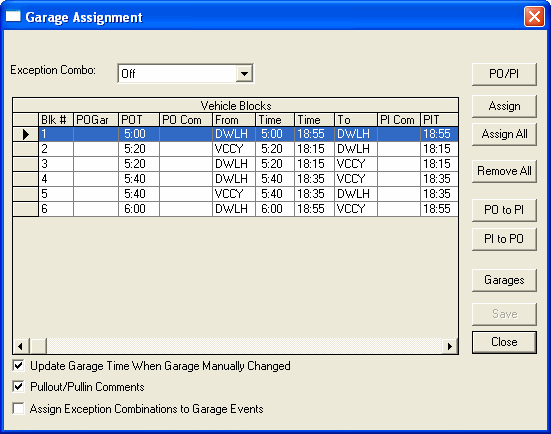
The Garage Assignment dialog box appears.
-
Click Garages.
The Garages dialog box appears.