Reversing Transactions
Reverse incorrect timekeeping transactions and then add transaction with corrected information as needed.
- In the Timekeeping screen, select a row in the transaction pane.
-
Select Reverse Transaction:
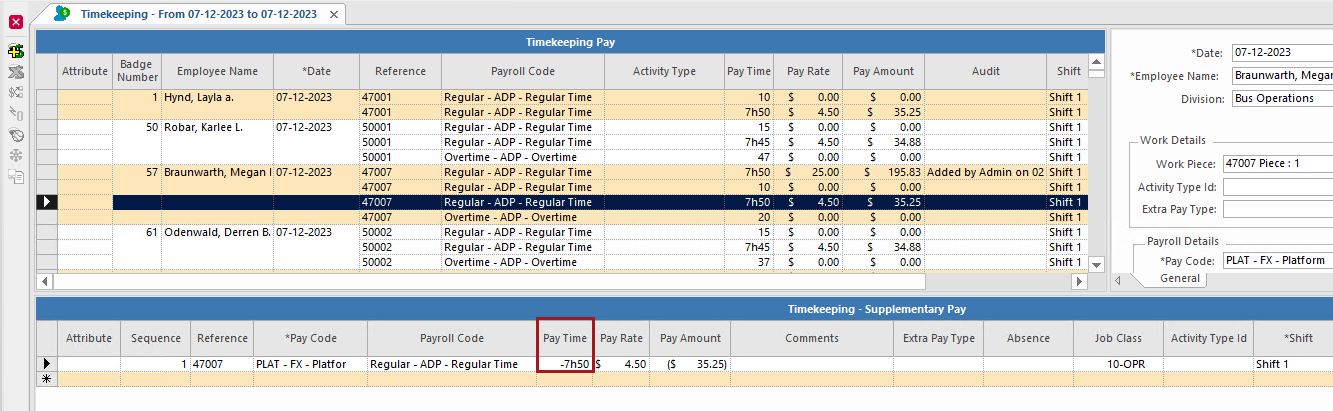
 A new entry appears in the adjustment pane as a negative transaction.