
Assigning Bid Division
The Bid Division feature is for transit agencies who also use Trapeze OPS.
- Click the runs that you want to assign to a division.
-
On the screen footer, click Bid Division:
 The Bid Division dialog appears: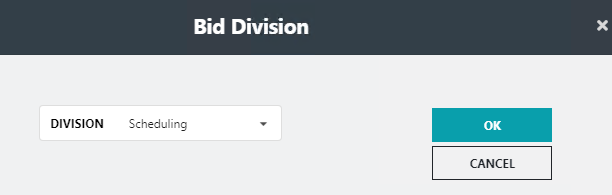
- In the Division drop-down list, click the division that you want to assign.
-
Click OK.
The selected Bid Division is assigned to the selected runs. It is shown in the Bid Division column in the Run pane.