Comparing Runcuts
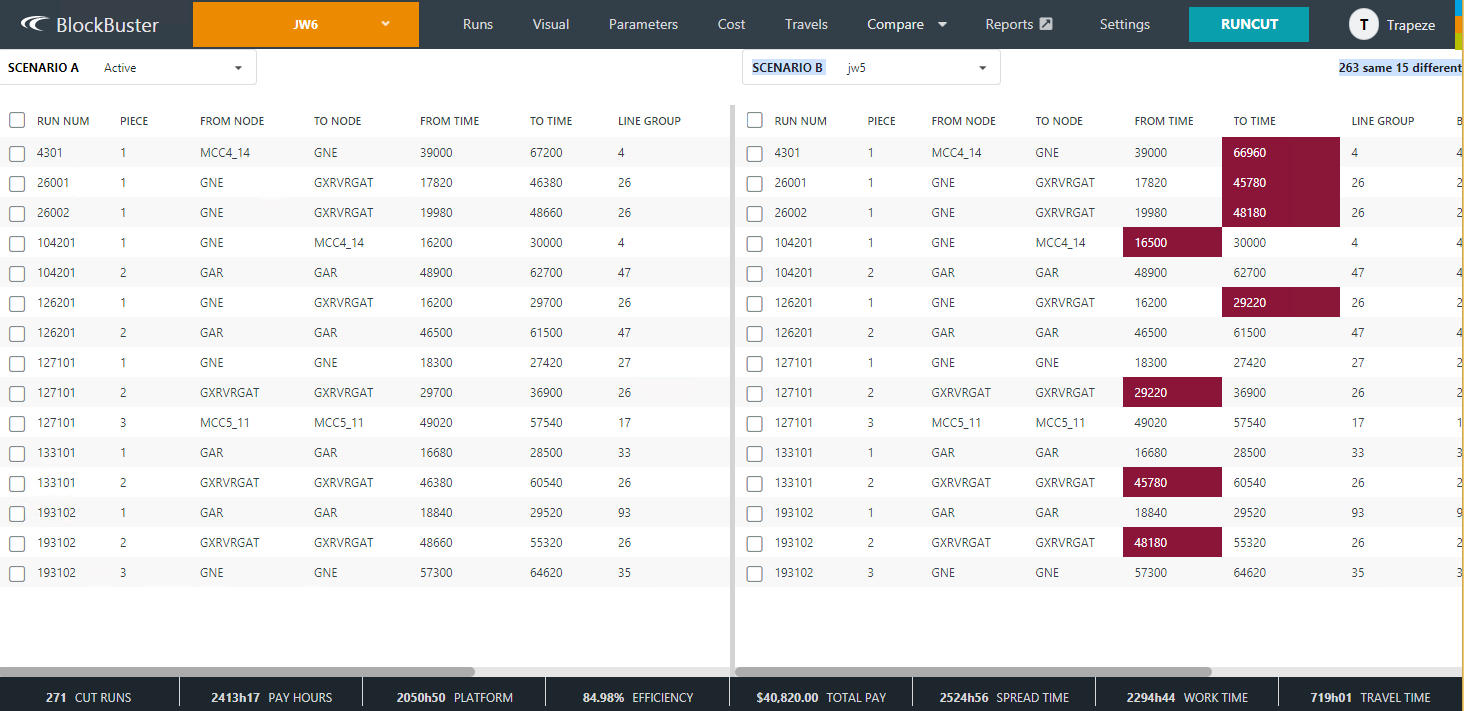
The Compare feature allows you to see the differences in runcuts between saved scenarios.
-
On the main ribbon, click .
The Compare Scenarios screen appears with two panes.
- In the Scenario A list in the left pane, click the scenario you want to compare.
-
In the Scenario B list on the right pane, click the
scenario to which you want to compare the first scenario.
The runs are shown in the grids in each pane. The differences are highlighted in red.The following graphic shows sample results of two compared scenarios: