Place text in quotation marks for exact match search results.
Swapping Trips
You can move trips to other blocks or swap them with other trips.
Open the Runs screen.
Select the trip that you want to move or swap.
On the screen toolbar, click the Swap Trip button:
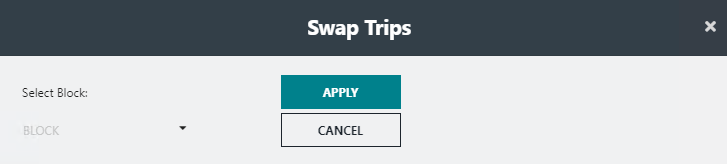
The Swap Trips dialog appears.By default, if the selected trip is the last piece in the run, the block
immediately preceding the block to which it belongs is shown in the
Select Block field. If the selected trip is the first
piece in the run, the block shown immediately after the block to which it
belongs is in the Select Block field.
In the Select Block drop-down list, select the block
that you want to swap.

 The Swap Trips dialog appears.