
Forcing Run Types
Runs that do not meet the requirements for a certain run type can be forced into a run type.
- Select the run that you want to force into a run type.
-
On the footer, click Force Run Type:
 The Force Run Type dialog appears.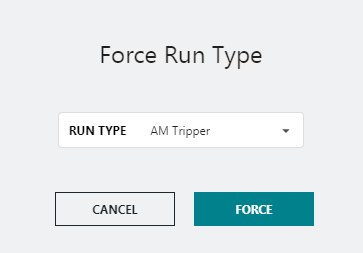
- In the Run Type drop-down list, click the run type that you want to apply.
-
Click Force.
The new run type is shown on the Run Type field of the selected run and the Forced Run Type icon is shown in its Status field.

If there are violations in relation to the new run type, they are highlighted in red on the record.