
Applying Created Pull-Outs and Pull-Ins
The Created Pull-out and Pull-in garages are produced in the Route Definition process.
In runcutting, the system uses Garage (Pull-out/Pull-in) deadhead times as the actual travel times. At every point where the system cuts a run, it automatically places a garage. It also renumbers the blocks to which the run belongs.
-
Click
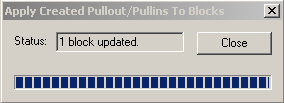
The process starts automatically. A bar at the bottom of the dialog box shows the progress of the process.