
Saving Runs
If you would like to try different scenarios while runcutting, save your current runs and uncut block pieces as a backup to work on later.
-
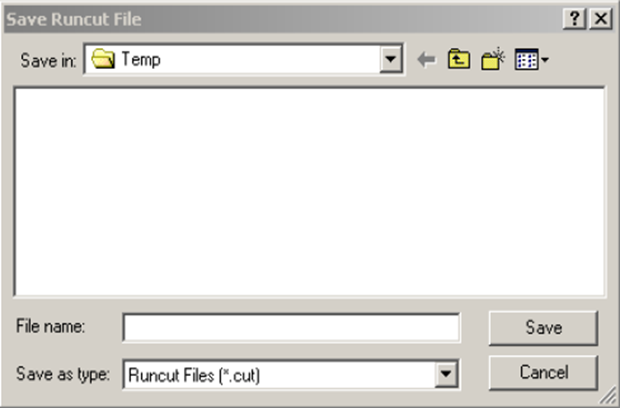
Click . The Save Runcut File dialog box appears.
If you would like to try different scenarios while runcutting, save your current runs and uncut block pieces as a backup to work on later.