
Viewing Peak Vehicle Requirements
Open the Peak Vehicle Requirements dialog box to view your vehicle information during peak periods to determine if adjustments are required.
-
In the Blocking screen, click .
The Peak Vehicle Requirements dialog box appears.
- Optional:
In the Exception Combination drop-down list, select the
exception combination for which you want to view the number of vehicle requirements.
The statistics for the selected exception combination are shown on the grid.
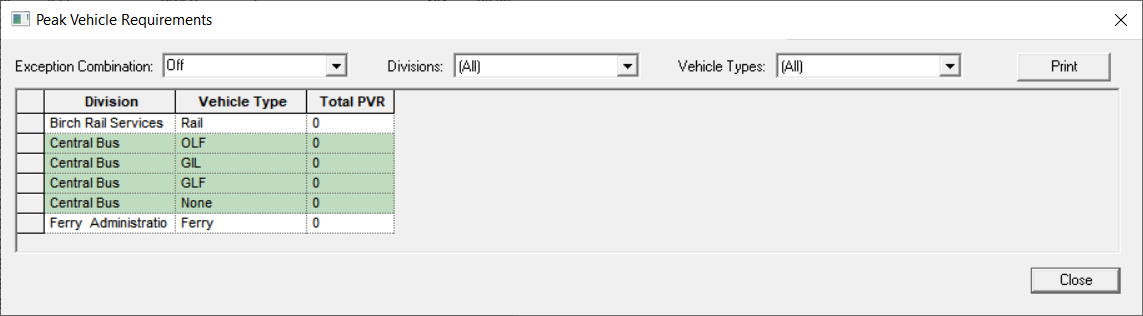
- In the Division drop-down list, select the appropriate division.
-
In the Vehicle Types drop-down list, select the appropriate
vehicle type.
If a block does not have a vehicle type associated with it, then it will have None in its Vehicle Type field and is added to the appropriate garage.
- Click Close.