
Exporting Train Consists
Export, or paste, train consists to a specified time period as needed.
- Open the Vehicle Assignment screen and set the Context (F3).
- Select the Train Consists tab.
-
Select .
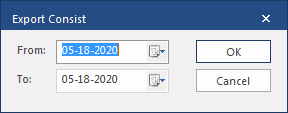
- Specify the range to which to export the current consist definition in the From and To fields.
- Select OK.