
Viewing Schedule Summaries
Shows a summary of schedule information for a selected sign-up period.
- Open the OPS Sign-Up Management screen and set the Context (F3).
- Select a sign-up period.
-
Select Schedule Summary:

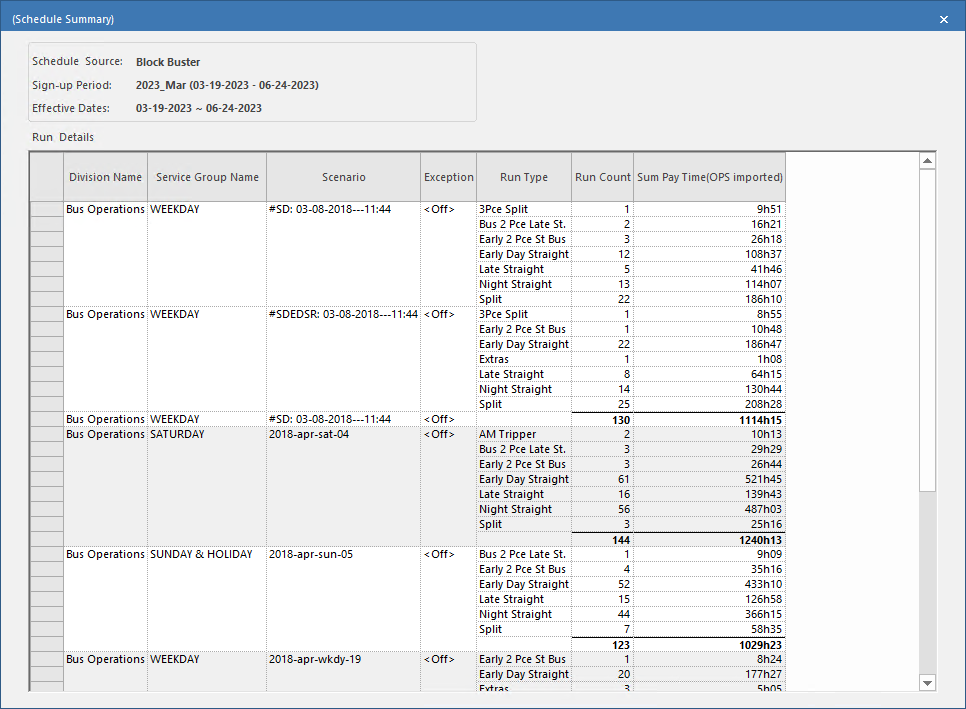
Shows a summary of schedule information for a selected sign-up period.