
Viewing Performance Events on Larger Screens
You can view operational events that include performance details. For example, incidents, absences, or customer feedback.
-
Select My Account (
 ) > Performance.
The Performance tab is opened in Performance.
) > Performance.
The Performance tab is opened in Performance.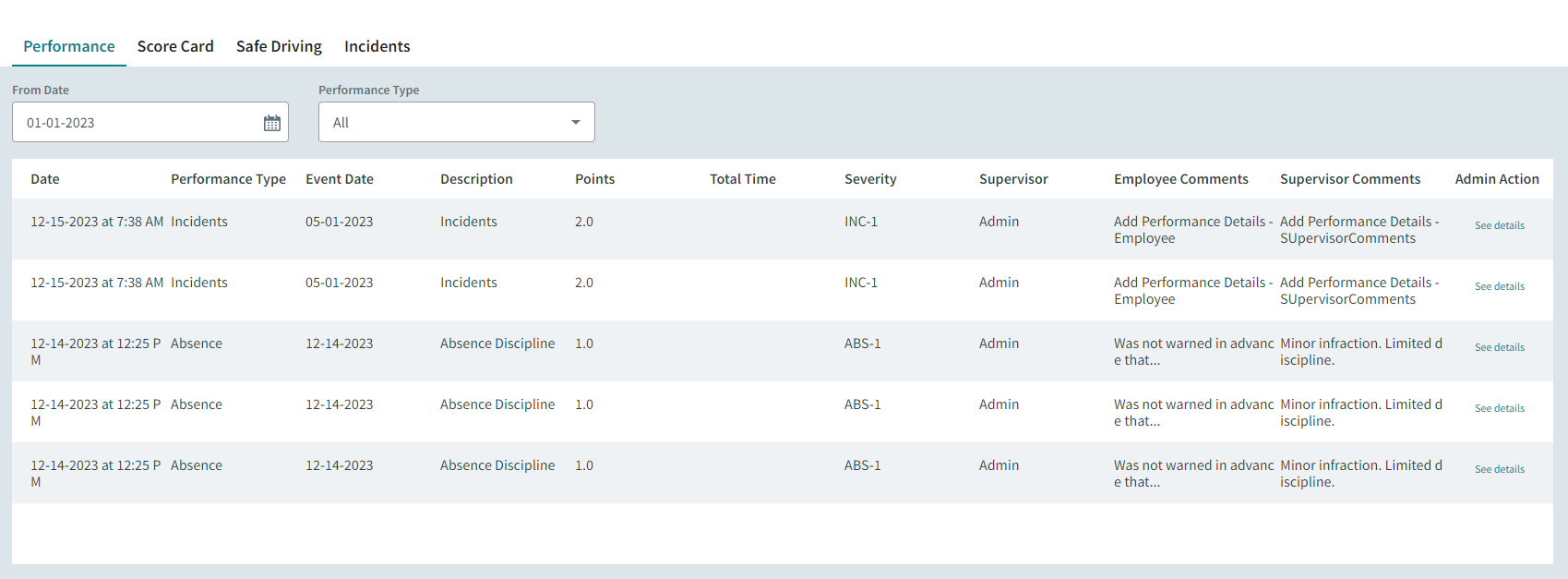
- Select a From Date.
- Optional: Select a Performance Type.
-
To view administrative actions associated with the record, select
See details.
Performance Details are shown.
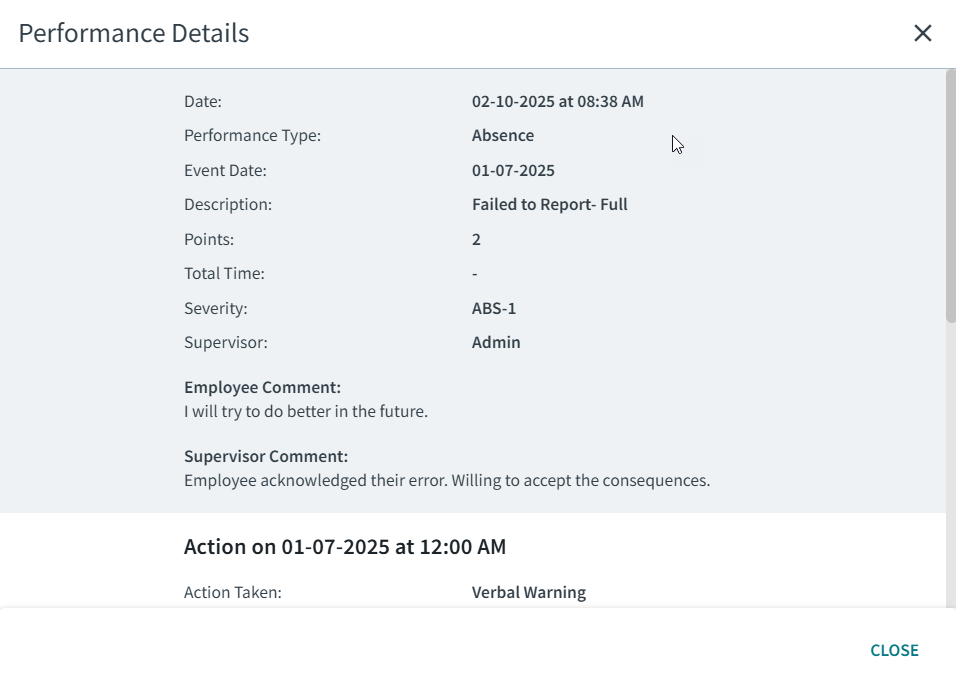
Some information included in performance records may not be shown in ESS.